









EBOOK IN LINGUA STRANIERA





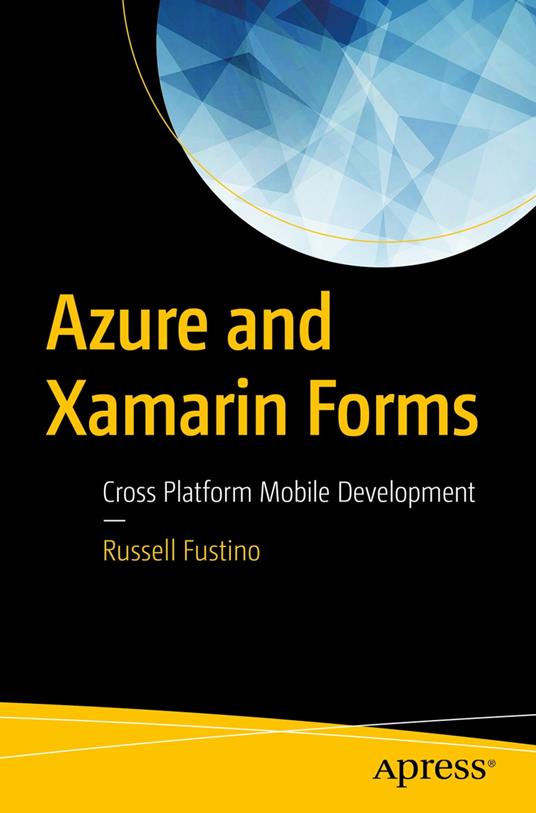
Azure and Xamarin Forms

46,37 €
+460
punti 
Venditore: Feltrinelli

Acquista online
Scaricabile subito
Articolo acquistabile con Carta del Docente

Articolo acquistabile con Carta Cultura Giovani e Carta del Merito

Dati e Statistiche
 Salvato in 0 liste dei desideri
Salvato in 0 liste dei desideri
Azure and Xamarin Forms
Scaricabile subito
46,37 €
46,37 €
Scaricabile subito




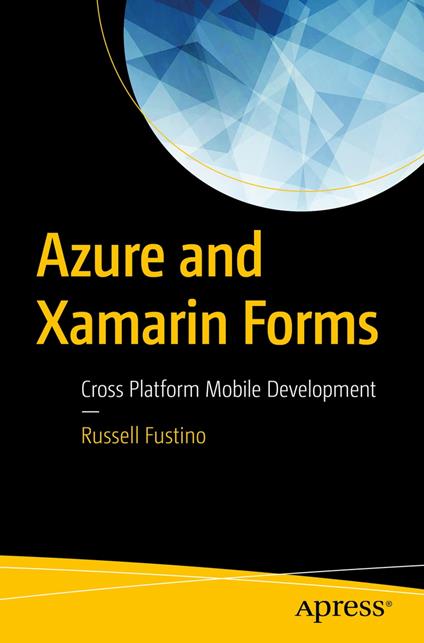
Discover how to create cross platform apps for Android, iOS and UWP using Azure services and C# with Xamarin Forms. This book illustrates how to utilize Azure cloud storage for serving up Azure SQL DB data through Azure App Services. The book starts by setting up Xamarin and introducing Xamarin Forms and then covers the Azure Portal from a developer’s perspective and goes on to demonstrate how to build an Azure Service using Quickstart. You'll also see how to add Azure support to Xamarin Forms application. You'll review in detail how to build a Xamarin Form with Azure Client and modify an existing app to become a Xamarin Forms Client for Azure with offline synchronization. You then move on to third-party controls that speed up development. By the end of the book, you will be able to use Azure and Xamarin together and master how to use Azure Mobile Quickstarts, Azure SQL plumbing, database synchronization and Xamarin Forms. What You'll Learn Create a Xamarin Forms App and understand the Structure of a Xamarin Forms App. Navigate pages and use platform specific coding. Use images, ListView and the Azure Mobile App Quickstart to build a Service and Xamarin Forms app Modify an existing app to use Azure Client Libraries, understand offline storage with SQLite and incorporate offline synchronization Who This Book Is For Software developers new to Xamarin and/or Azure and for the developers who are familiar with both the technologies to use in mobile apps.
-
Autore:
-
Anno edizione:2018
-
Editore:
-
Formato:
-
Lingua:Inglese
Compatibilità:
Tutti i dispositivi (eccetto Kindle) Scopri di più
Layout:
Reflowable
EAN:
9781484235614
Formato:
Gli eBook venduti da Feltrinelli.it sono in formato ePub e possono essere protetti da Adobe DRM. In caso di download di un file protetto da DRM si otterrà un file in formato .acs, (Adobe Content Server Message), che dovrà essere aperto tramite Adobe Digital Editions e autorizzato tramite un account Adobe, prima di poter essere letto su pc o trasferito su dispositivi compatibili.
Cloud:
Gli eBook venduti da Feltrinelli.it sono sincronizzati automaticamente su tutti i client di lettura Kobo successivamente all’acquisto. Grazie al Cloud Kobo i progressi di lettura, le note, le evidenziazioni vengono salvati e sincronizzati automaticamente su tutti i dispositivi e le APP di lettura Kobo utilizzati per la lettura.
Clicca qui per sapere come scaricare gli ebook utilizzando un pc con sistema operativo Windows
