









EBOOK IN LINGUA STRANIERA





Building a NAS Server with Raspberry Pi and Openmediavault

4,49 €
+40
punti 
Venditore: Feltrinelli

Acquista online
Scaricabile subito
Articolo acquistabile con Carta del Docente

Articolo acquistabile con Carta Cultura Giovani e Carta del Merito

Articolo acquistabile con Carta della Cultura

Abbonati a Kobo plus per avere accesso illimitato a questo contenuto

Dati e Statistiche
 Salvato in 0 liste dei desideri
Salvato in 0 liste dei desideri
Building a NAS Server with Raspberry Pi and Openmediavault
Scaricabile subito
4,49 €
4,49 €
Scaricabile subito

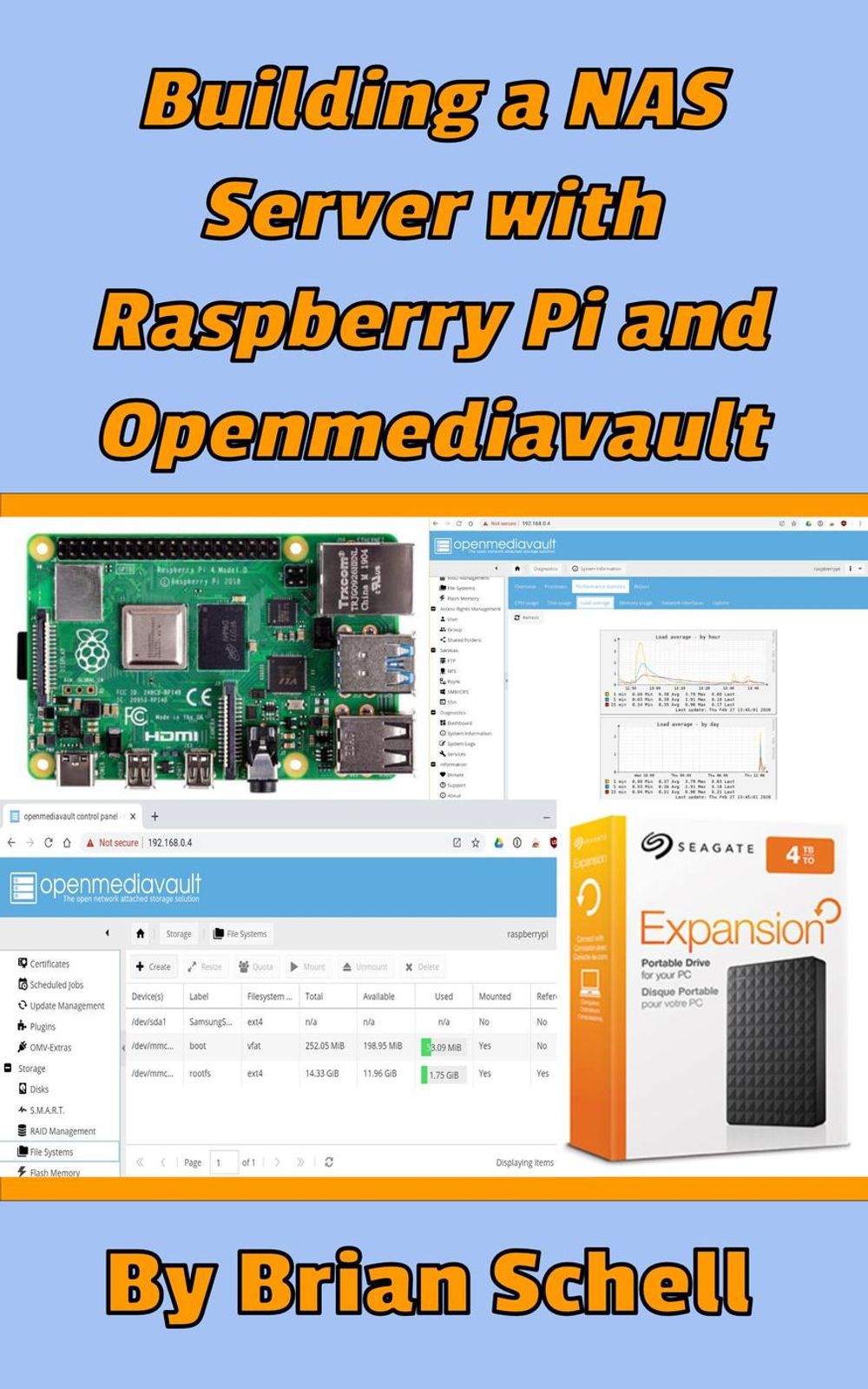



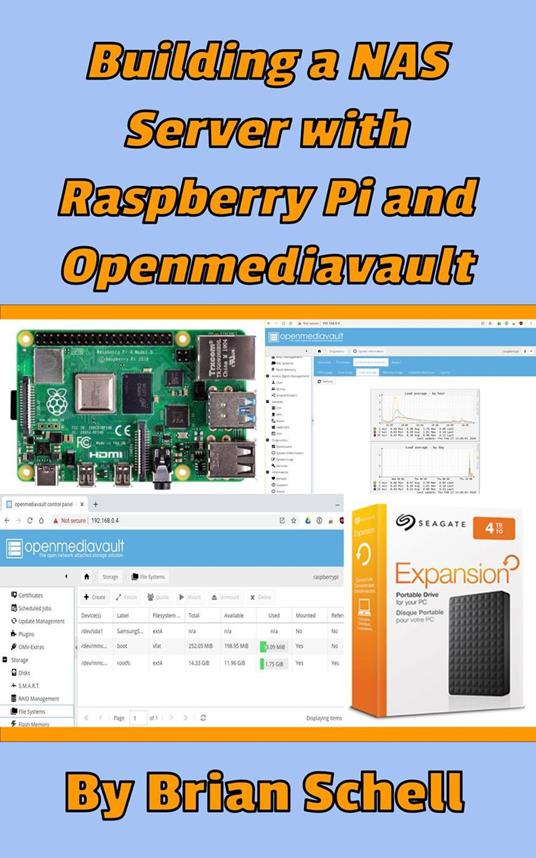
What if, instead of simply plugging an external or internal hard drive into your working computer, you could have a file server located somewhere in your home or office? One that offers access to files for any device on the premises, taking into account security settings that you can set up? This is the function of a NAS, or "Network Attached Storage" device. This file server does nothing except act as a go-between between the network and the hard drives. The Raspberry Pi, a super-inexpensive, low-power consumption, tiny computer, is just perfect for handling this task. The software we will be installing to make this happen is called Openmediavault, or OMV for short. It's an open source project that is heavily developed and still getting new features regularly. OMV is the NAS software, but it all runs on the Linux operating system, which means it's stable and very reliable. Not to mention all this software is completely free of charge. This book explains how to set up a Raspberry Pi for use as a NAS Server. We'll look at hardware options, downloading and installing the operating system and Openmediavault software, how to configure your hard drives (either with a single hard drive or as a dual-drive RAID system), folders, and files, how to get files into the Pi from other places in the house, and how to access everything from other devices on the network using secure user accounts. It's all you need to know, and only what you need to know!
-
Autore:
-
Anno edizione:2020
-
Editore:
-
Formato:
-
Lingua:Inglese
Compatibilità:
Tutti i dispositivi (eccetto Kindle) Scopri di più
Layout:
Reflowable
EAN:
9781393011088

Formato:
Gli eBook venduti da Feltrinelli.it sono in formato ePub e possono essere protetti da Adobe DRM. In caso di download di un file protetto da DRM si otterrà un file in formato .acs, (Adobe Content Server Message), che dovrà essere aperto tramite Adobe Digital Editions e autorizzato tramite un account Adobe, prima di poter essere letto su pc o trasferito su dispositivi compatibili.
Cloud:
Gli eBook venduti da Feltrinelli.it sono sincronizzati automaticamente su tutti i client di lettura Kobo successivamente all’acquisto. Grazie al Cloud Kobo i progressi di lettura, le note, le evidenziazioni vengono salvati e sincronizzati automaticamente su tutti i dispositivi e le APP di lettura Kobo utilizzati per la lettura.
Clicca qui per sapere come scaricare gli ebook utilizzando un pc con sistema operativo Windows
