










EBOOK IN LINGUA STRANIERA





Creating Google Chrome Extensions

49,91 €
+500
punti 
Venditore: Feltrinelli

Acquista online
Scaricabile subito
Articolo acquistabile con Carta del Docente

Articolo acquistabile con Carta Cultura Giovani e Carta del Merito

Articolo acquistabile con Carta della Cultura

Dati e Statistiche
 Salvato in 0 liste dei desideri
Salvato in 0 liste dei desideri
Creating Google Chrome Extensions
Scaricabile subito
49,91 €
49,91 €
Scaricabile subito

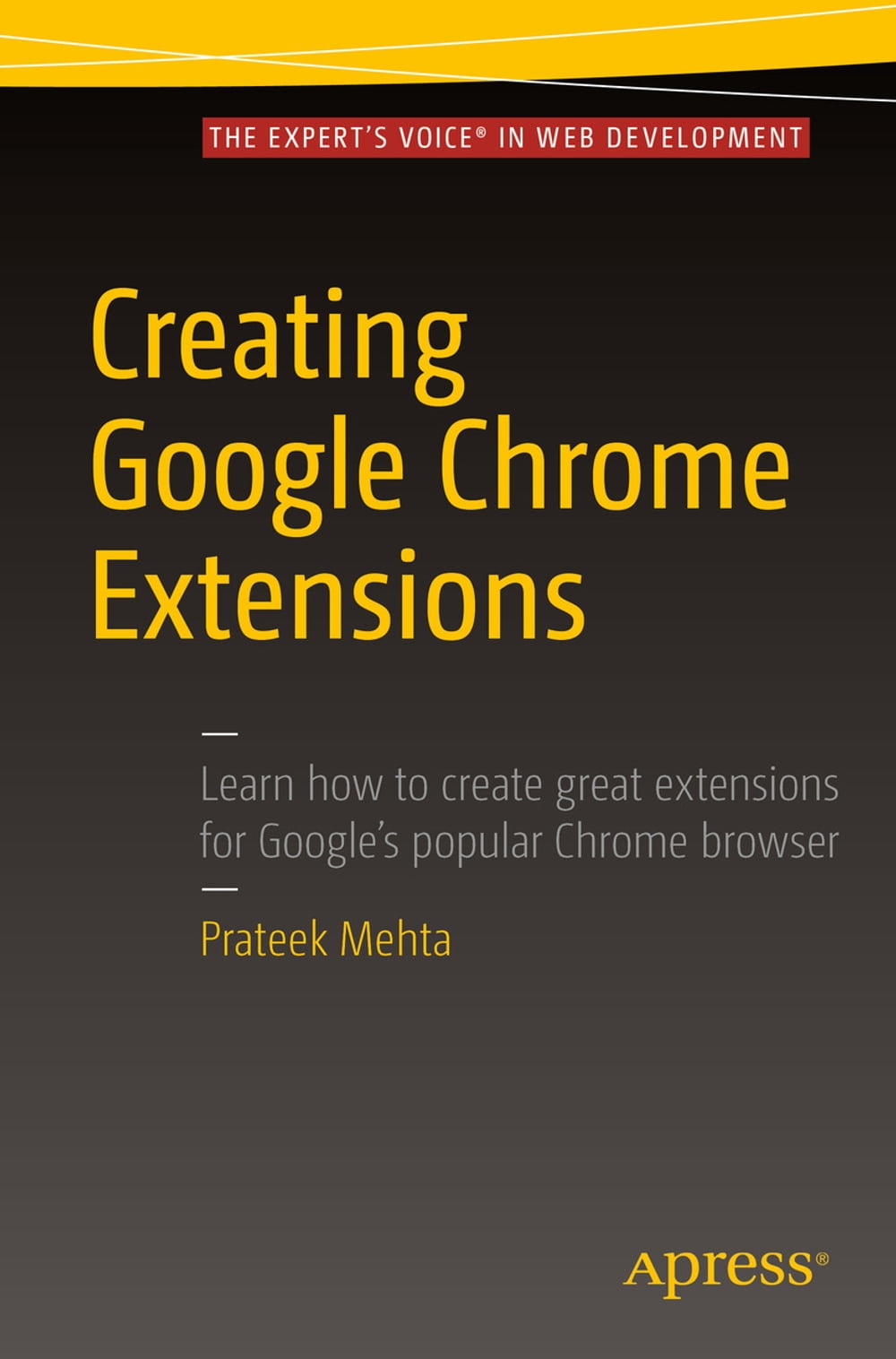


Transform your existing web applications into Google Chrome browser extensions and create brand new extensions that improve your own browsing experience and that of your users. This book shows you how Google Chrome browser extensions are extremely useful tools for enhancing the functionality of the Google Chrome web browser. For example, you can create extensions to summarize the current page you are reading, or to save all of the images in the page you are browsing. They have access to almost all of the features provided by the Google Chrome browser, and they can encapsulate such features in the form of a bundled application providing targeted functionality to users. Extensions also run in a sandboxed environment, making them secure – which is a huge plus in the modern web! The APIs provided by the Chrome Extensions framework help you empower web applications by coupling them with amazing features provided by the Google Chrome web browser, such as bookmarks, history, tabs, actions, storage, notifications, search, and a lot more – facilitating increased productivity on the Google Chrome web browser. What You Will Learn: Transform your web application ideas into Google Chrome Extensions. Choose the recommended components for creating your kind of extension. Leverage the power of a Google Chrome browser by making use of the extensions API. Showcase your existing web-development skills in a modern way by creating useful extensions. Who This Book is For Existing web developers, experienced in creating simple web pages (using HTML, CSS, and JavaScript), to help them create browser extensions for Google Chrome. After understanding the examples and lessons in this book, you will be able to transform your existing web applications into Google Chrome browser extensions, as well as create brand new extensions.
-
Autore:
-
Anno edizione:2016
-
Editore:
-
Formato:
-
Lingua:Inglese
Compatibilità:
Tutti i dispositivi (eccetto Kindle) Scopri di più
Layout:
Reflowable
EAN:
9781484217757

Formato:
Gli eBook venduti da Feltrinelli.it sono in formato ePub e possono essere protetti da Adobe DRM. In caso di download di un file protetto da DRM si otterrà un file in formato .acs, (Adobe Content Server Message), che dovrà essere aperto tramite Adobe Digital Editions e autorizzato tramite un account Adobe, prima di poter essere letto su pc o trasferito su dispositivi compatibili.
Cloud:
Gli eBook venduti da Feltrinelli.it sono sincronizzati automaticamente su tutti i client di lettura Kobo successivamente all’acquisto. Grazie al Cloud Kobo i progressi di lettura, le note, le evidenziazioni vengono salvati e sincronizzati automaticamente su tutti i dispositivi e le APP di lettura Kobo utilizzati per la lettura.
Clicca qui per sapere come scaricare gli ebook utilizzando un pc con sistema operativo Windows
