










EBOOK IN LINGUA STRANIERA





Developing Applications with Azure Active Directory

49,91 €
+500
punti 
Venditore: Feltrinelli

Acquista online
Scaricabile subito
Articolo acquistabile con Carta del Docente

Articolo acquistabile con Carta Cultura Giovani e Carta del Merito

Articolo acquistabile con Carta della Cultura

Dati e Statistiche
 Salvato in 0 liste dei desideri
Salvato in 0 liste dei desideri
Developing Applications with Azure Active Directory
Scaricabile subito
49,91 €
49,91 €
Scaricabile subito

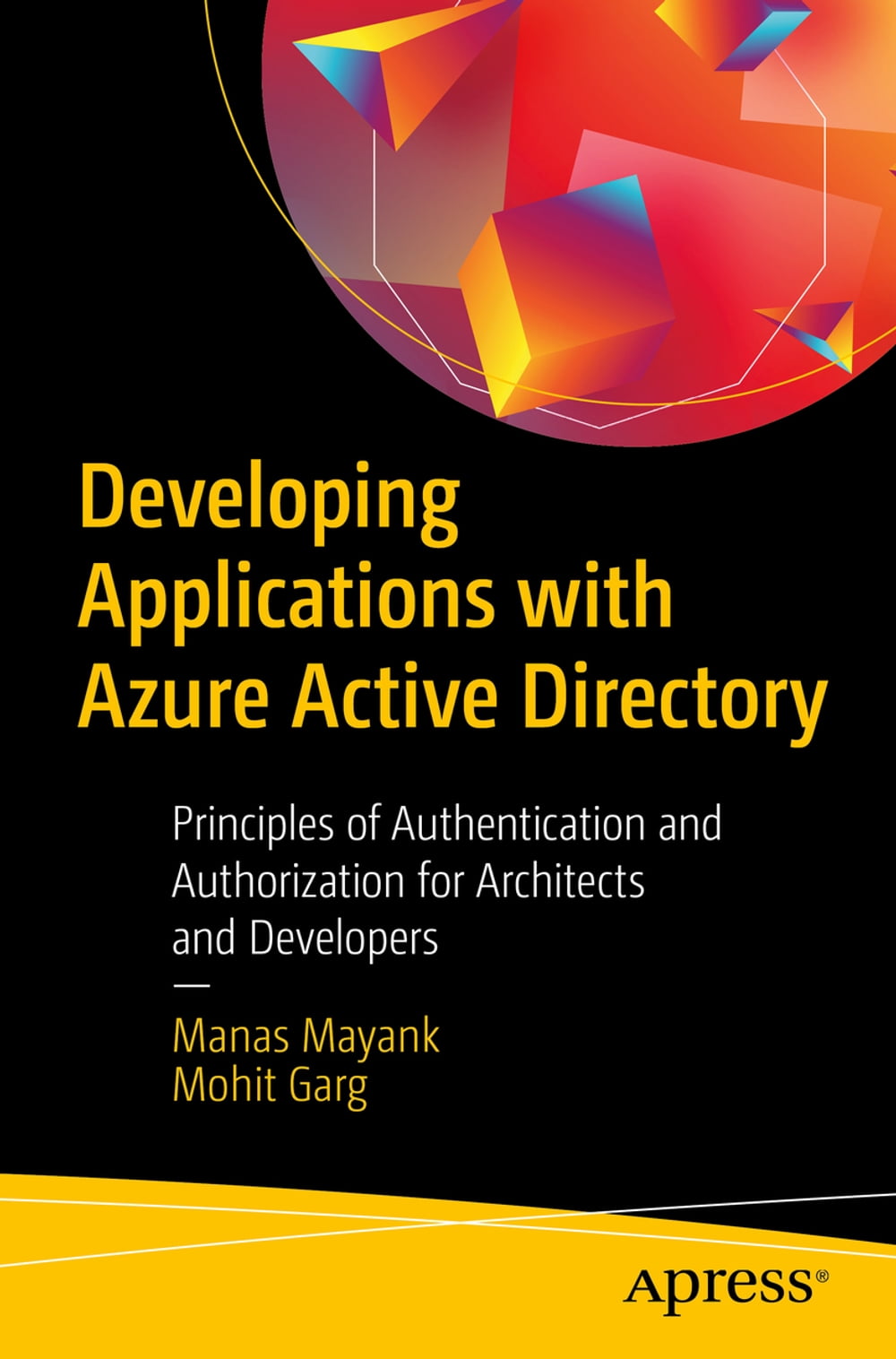


Explore tools for integrating resources and applications with Azure Active Directory for authentication and authorization. This book starts with an introduction to Azure Active Directory (AAD) where you will learn the core concepts necessary to understand AAD and authentication in general. You will then move on to learn OpenID Connect and OAuth along with its flows, followed by a deep dive into the integration of web applications for user-based authentication. Next, you go through user authentication and how to enable the integration of various native applications with AAD. This is followed by an overview of authenticating applications along with a detailed discussion on collaboration with external users and other AD tenants. Moving forward, Developing Applications with Azure Active Directory covers using schemas of AD objects, such as users, to add custom attributes on top of ADD’s predefined attributes. You will see how multi-tenancy can be supported in Azure AD as well as how to design authorization with Azure AD. After reading this book, you will be able to integrate, design, and develop authentication and authorization techniques in Azure Active Directory. What You Will Learn Integrate applications with Azure AD for authentication Explore various Azure AD authentication scenarios Master core Azure AD concepts Integrate external users and tenants Who is this book for: The book will be useful for architects and developers, planning to use Azure AD for authentication.
-
Autore:
-
Anno edizione:2019
-
Editore:
-
Formato:
-
Lingua:Inglese
Compatibilità:
Tutti i dispositivi (eccetto Kindle) Scopri di più
Layout:
Reflowable
EAN:
9781484250402

Formato:
Gli eBook venduti da Feltrinelli.it sono in formato ePub e possono essere protetti da Adobe DRM. In caso di download di un file protetto da DRM si otterrà un file in formato .acs, (Adobe Content Server Message), che dovrà essere aperto tramite Adobe Digital Editions e autorizzato tramite un account Adobe, prima di poter essere letto su pc o trasferito su dispositivi compatibili.
Cloud:
Gli eBook venduti da Feltrinelli.it sono sincronizzati automaticamente su tutti i client di lettura Kobo successivamente all’acquisto. Grazie al Cloud Kobo i progressi di lettura, le note, le evidenziazioni vengono salvati e sincronizzati automaticamente su tutti i dispositivi e le APP di lettura Kobo utilizzati per la lettura.
Clicca qui per sapere come scaricare gli ebook utilizzando un pc con sistema operativo Windows
