










EBOOK IN LINGUA STRANIERA





Microsoft Access for Beginners and Intermediates

5,99 €
+60
punti 
Venditore: Feltrinelli

Acquista online
Scaricabile subito
Articolo acquistabile con Carta del Docente

Articolo acquistabile con Carta Cultura Giovani e Carta del Merito

Articolo acquistabile con Carta della Cultura

Abbonati a Kobo plus per avere accesso illimitato a questo contenuto

Dati e Statistiche
 Salvato in 0 liste dei desideri
Salvato in 0 liste dei desideri
Microsoft Access for Beginners and Intermediates
Scaricabile subito
5,99 €
5,99 €
Scaricabile subito

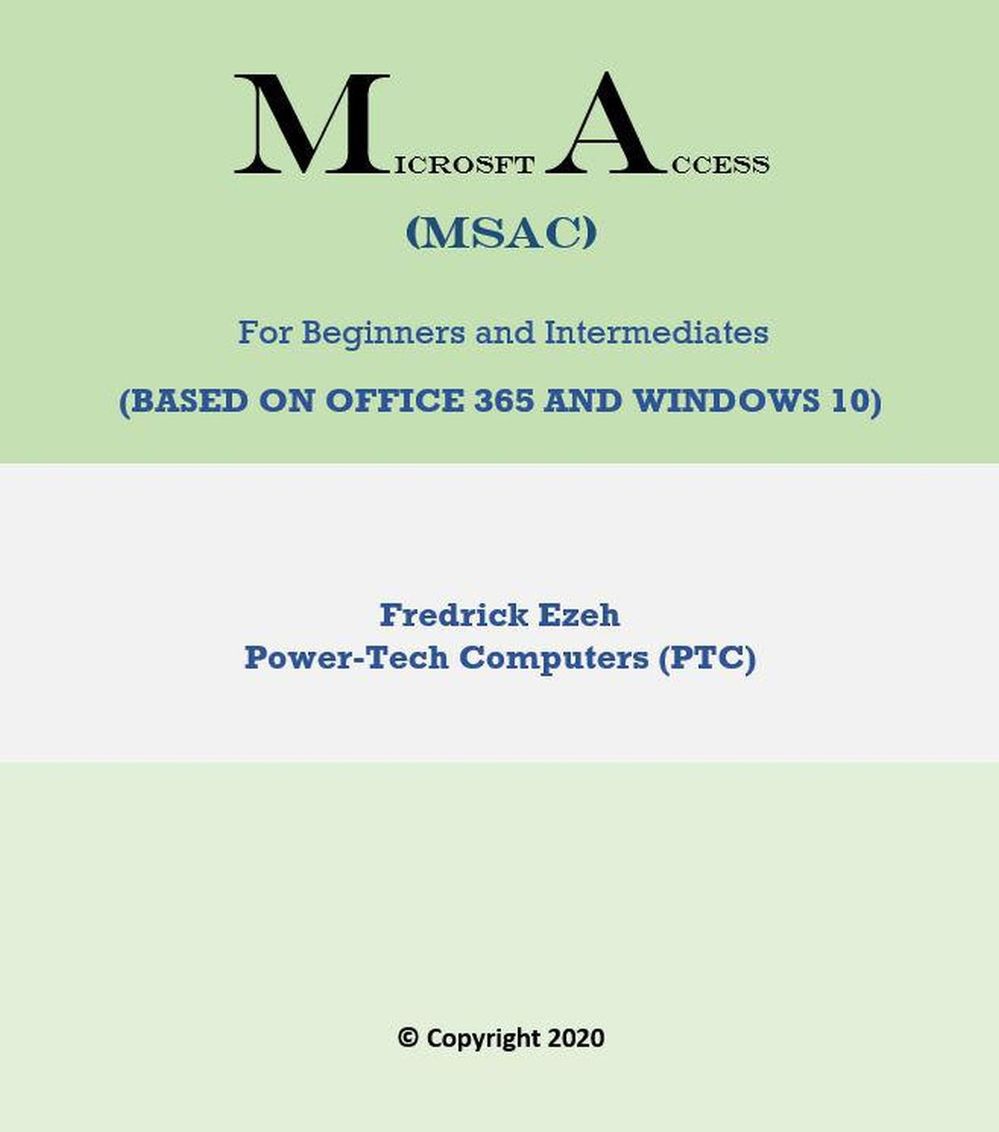


The Microsoft Access (Ms-Access) application is one of the many applications in the Microsoft Office package. According to Wikipedia, It is a database management system from Microsoft that combines the relational Microsoft Jet Database Engine with a graphical user interface and software-development tools. Ms-Access is used in offices, businesses, schools, and organizations to create simple and complex and creative databases for storing, analyzing, communicating, and manipulating information in such a way that is presentable and suitable to a group of people or audience. Course Objectives In this Access course, we will utilize a practical or hands-on approach to show how you can create simple databases with pre-formatted tables, forms, reports, and queries. You will learn the skills of creating and working with tables, working with forms, editing texts, formatting texts, creating, and working with reports and queries. Pre-Requirements and Target Audience The course is designed for both beginners who do not have any prior background in Ms-Access, and for intermediate level people who also wish to extend their practical/hand-on skills and knowledge. To achieve or fully take advantage of this course, you need to have some prior knowledge Windows operating system environments. it is important you have a laptop or desktop computer with the Ms-Access application installed, preferably, a laptop with Windows 10 and with Office365.
-
Autore:
-
Anno edizione:2021
-
Editore:
-
Formato:
-
Lingua:Inglese
Compatibilità:
Tutti i dispositivi (eccetto Kindle) Scopri di più
Layout:
Reflowable
EAN:
9798201485757

Formato:
Gli eBook venduti da Feltrinelli.it sono in formato ePub e possono essere protetti da Adobe DRM. In caso di download di un file protetto da DRM si otterrà un file in formato .acs, (Adobe Content Server Message), che dovrà essere aperto tramite Adobe Digital Editions e autorizzato tramite un account Adobe, prima di poter essere letto su pc o trasferito su dispositivi compatibili.
Cloud:
Gli eBook venduti da Feltrinelli.it sono sincronizzati automaticamente su tutti i client di lettura Kobo successivamente all’acquisto. Grazie al Cloud Kobo i progressi di lettura, le note, le evidenziazioni vengono salvati e sincronizzati automaticamente su tutti i dispositivi e le APP di lettura Kobo utilizzati per la lettura.
Clicca qui per sapere come scaricare gli ebook utilizzando un pc con sistema operativo Windows
