









EBOOK IN LINGUA STRANIERA





A Beginner’s Guide to Digital Image Repair in Photoshop: Volume 1

61,25 €
+610
punti 
Venditore: Feltrinelli

Acquista online
Scaricabile subito
Articolo acquistabile con Carta del Docente

Articolo acquistabile con Carta Cultura Giovani e Carta del Merito

Articolo acquistabile con Carta della Cultura

Dati e Statistiche
 Salvato in 0 liste dei desideri
Salvato in 0 liste dei desideri
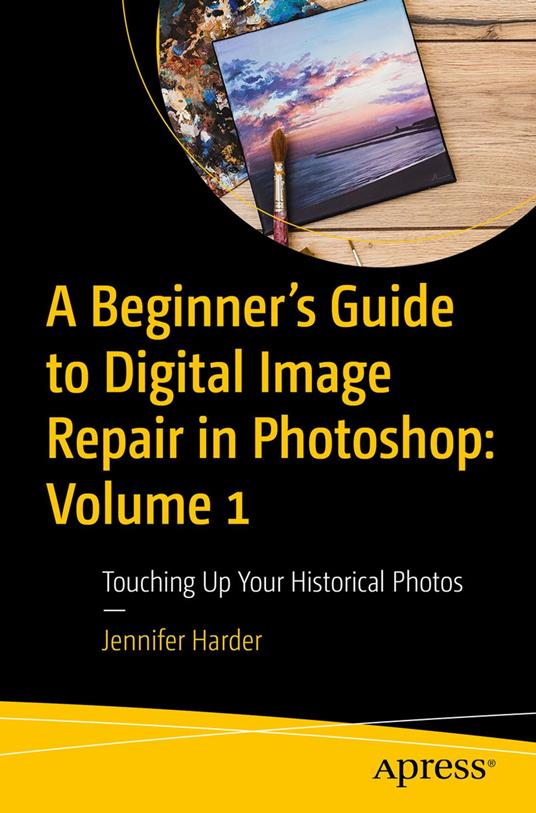
A Beginner’s Guide to Digital Image Repair in Photoshop: Volume 1
Scaricabile subito
61,25 €
61,25 €
Scaricabile subito
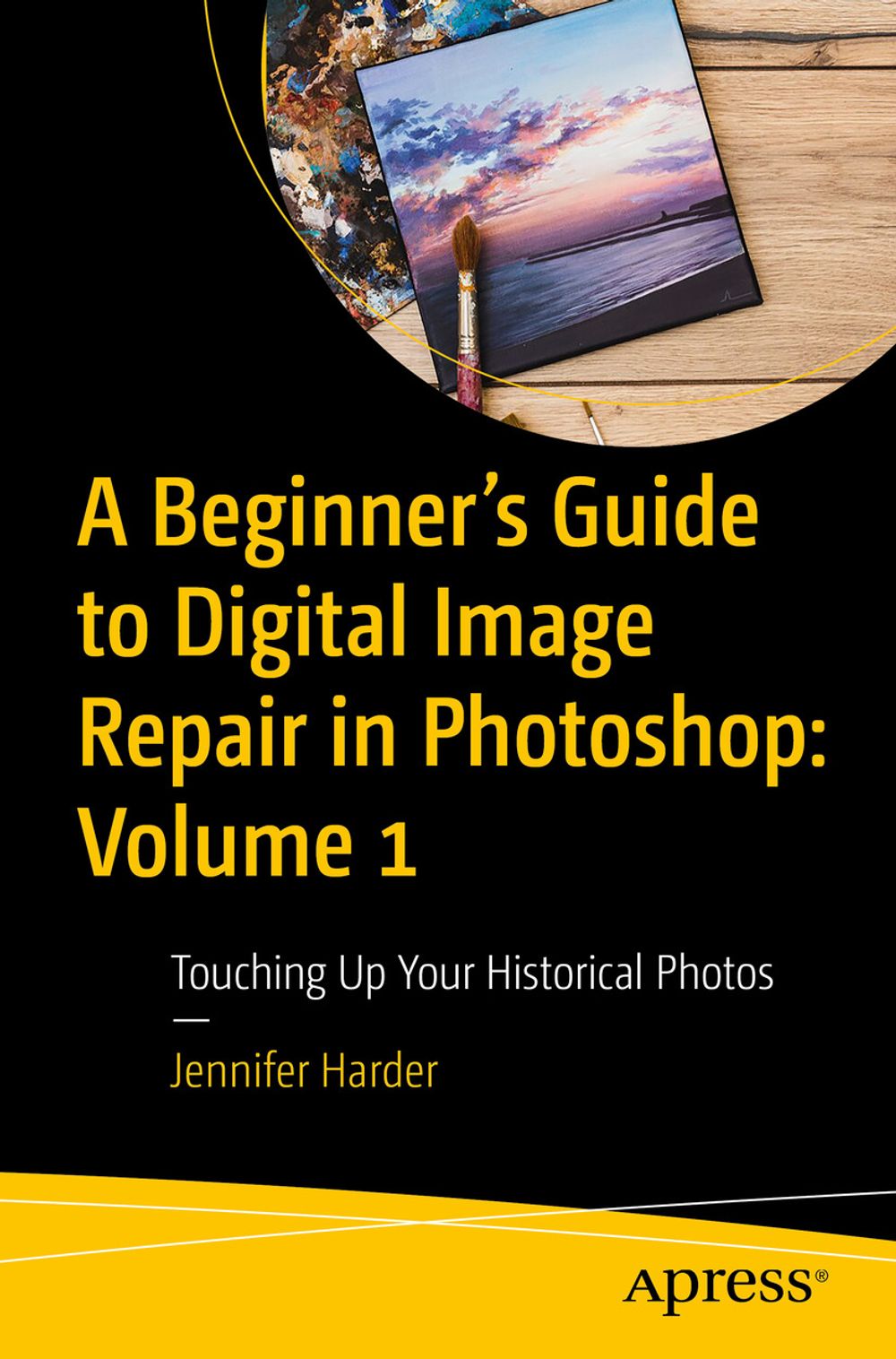



Digitally restore your old photos in Photoshop for print out or to use online as still photos. This first of two volumes will show you some of the basic techniques you can use in Photoshop to preserve or repair damaged family and historical photos. In today’s digital world of smart phones and cameras, you can easily transfer your photos from phone to computer. However, occasionally you’re left with an old or damaged version of the image and the uncertainty of how to fix them. Aided by the sound advice and tips from author Jennifer Harder, this book will show you how to do so with just a few basic corrections in Photoshop. Using healing tools, basic color correction tools, layer masks, and workspace commands to fill in missing gaps, you’ll be able to print out an unblemished picture or post it on your social media page. A Beginner’s Guide to Digital Image Repair in Photoshop: Volume 1 provides the know-how to help preserve your family treasures. What You Will Learn Review scanner basics for digitizing your photos Use various “healing” and color adjustment tools in Photoshop for restoring photos See how custom selections and layer masks can be used in the photo restoration process Apply various workspaces to fill in missing details in an image or merge photos Who Is This Book For Users who want to learn how to repair old historical photos and slides for digital presentation or for print as well as those who are interested in basic animation.
-
Autore:
-
Anno edizione:2024
-
Editore:
-
Formato:
-
Lingua:Inglese
Compatibilità:
Tutti i dispositivi (eccetto Kindle) Scopri di più
Layout:
Reflowable
EAN:
9798868804502

Formato:
Gli eBook venduti da Feltrinelli.it sono in formato ePub e possono essere protetti da Adobe DRM. In caso di download di un file protetto da DRM si otterrà un file in formato .acs, (Adobe Content Server Message), che dovrà essere aperto tramite Adobe Digital Editions e autorizzato tramite un account Adobe, prima di poter essere letto su pc o trasferito su dispositivi compatibili.
Cloud:
Gli eBook venduti da Feltrinelli.it sono sincronizzati automaticamente su tutti i client di lettura Kobo successivamente all’acquisto. Grazie al Cloud Kobo i progressi di lettura, le note, le evidenziazioni vengono salvati e sincronizzati automaticamente su tutti i dispositivi e le APP di lettura Kobo utilizzati per la lettura.
Clicca qui per sapere come scaricare gli ebook utilizzando un pc con sistema operativo Windows
