










EBOOK IN LINGUA STRANIERA





Beginning Pixlr Editor

32,44 €
+320
punti 
Venditore: Feltrinelli

Acquista online
Scaricabile subito
Articolo acquistabile con Carta del Docente

Articolo acquistabile con Carta Cultura Giovani e Carta del Merito

Articolo acquistabile con Carta della Cultura

Dati e Statistiche
 Salvato in 0 liste dei desideri
Salvato in 0 liste dei desideri
Beginning Pixlr Editor
Scaricabile subito
32,44 €
32,44 €
Scaricabile subito

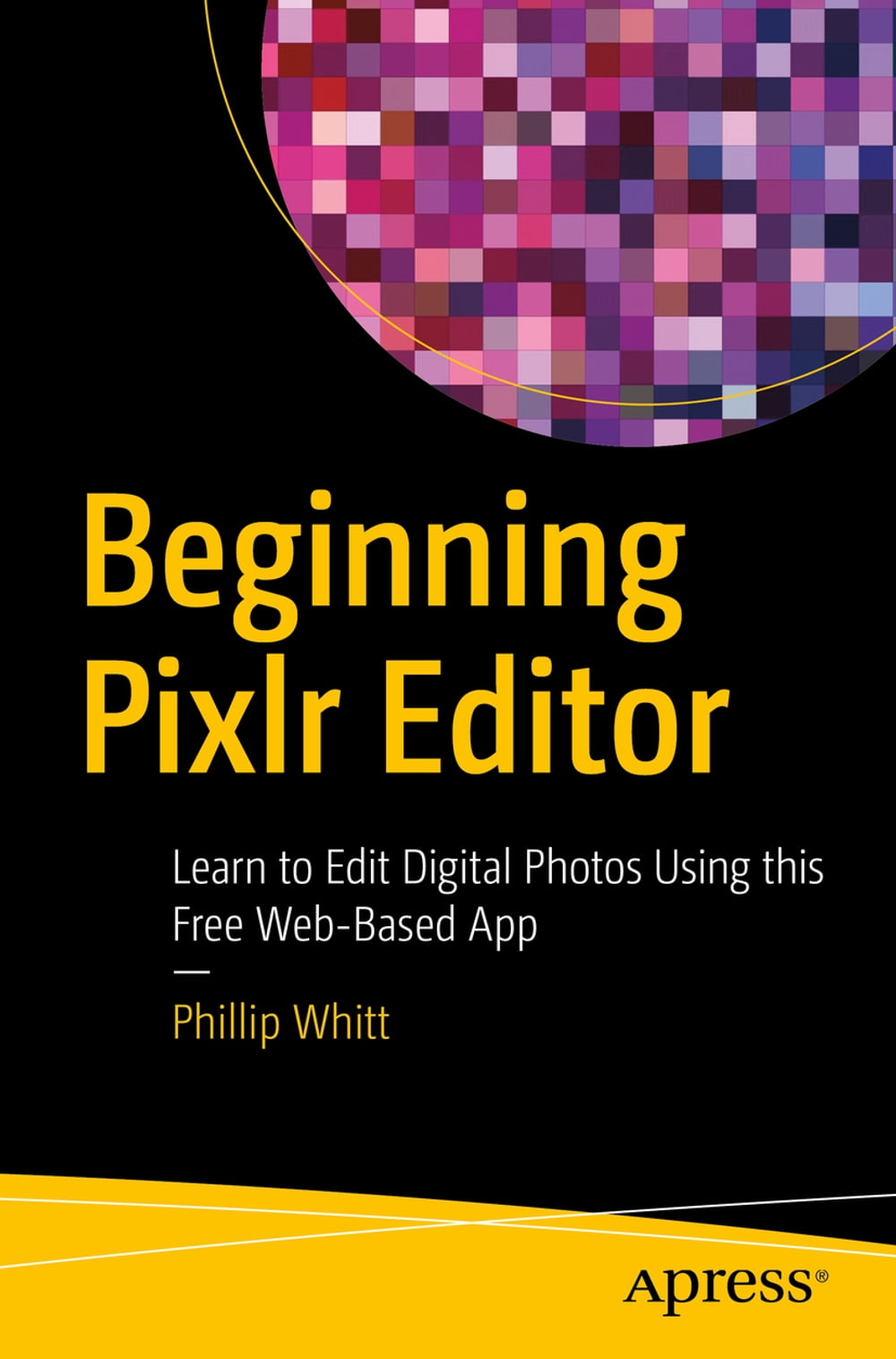



Learn digital image editing without the expense of using subscription-based editors. This book will pave the way for you to leverage Pixlr Editor, a free, web-based image editing solution that works on virtually any computer platform. You'll learn image editing first hand by using the practice images with the corresponding tutorials—everything from creating simple graphics to enhancing and retouching photos. Explore all of the features you'd expect in a high end photo editing application; layers, history (multiple undos), and an array of powerful tools for handling almost any editing task. Powerful image editing used to require purchasing and installing expensive, complicated image editing software on your computer. Beginning Pixlr Editor takes an easy-to-access and convenient look at the alternative from the Pixlr family of tools and utilities and offers you advanced editing techniques so you can enhance, retouch, and edit your digital images like a pro. What You'll Learn: Easily access Pixlr Editor from any computer with a high speed Internet connection Create an new image, or open an image from your computer, a URL, or the Pixlr library Save your images on to your computer or the Pixlr library Navigate the the Pixlr interface Use the Tools, Layers, image Adjustments, History, and much more Who This Book Is For: Beginner and those with some image editing experience (anyone accustomed to Adobe Photoshop will instantly feel at home with Pixlr Editor).
-
Autore:
-
Anno edizione:2017
-
Editore:
-
Formato:
-
Lingua:Inglese
Compatibilità:
Tutti i dispositivi (eccetto Kindle) Scopri di più
Layout:
Reflowable
EAN:
9781484226988

Formato:
Gli eBook venduti da Feltrinelli.it sono in formato ePub e possono essere protetti da Adobe DRM. In caso di download di un file protetto da DRM si otterrà un file in formato .acs, (Adobe Content Server Message), che dovrà essere aperto tramite Adobe Digital Editions e autorizzato tramite un account Adobe, prima di poter essere letto su pc o trasferito su dispositivi compatibili.
Cloud:
Gli eBook venduti da Feltrinelli.it sono sincronizzati automaticamente su tutti i client di lettura Kobo successivamente all’acquisto. Grazie al Cloud Kobo i progressi di lettura, le note, le evidenziazioni vengono salvati e sincronizzati automaticamente su tutti i dispositivi e le APP di lettura Kobo utilizzati per la lettura.
Clicca qui per sapere come scaricare gli ebook utilizzando un pc con sistema operativo Windows
