









EBOOK IN LINGUA STRANIERA





Beginning Power Apps

49,91 €
+500
punti 
Venditore: Feltrinelli

Acquista online
Scaricabile subito
Articolo acquistabile con Carta del Docente

Articolo acquistabile con Carta Cultura Giovani e Carta del Merito

Articolo acquistabile con Carta della Cultura

Dati e Statistiche
 Salvato in 0 liste dei desideri
Salvato in 0 liste dei desideri
Beginning Power Apps
Scaricabile subito
49,91 €
49,91 €
Scaricabile subito
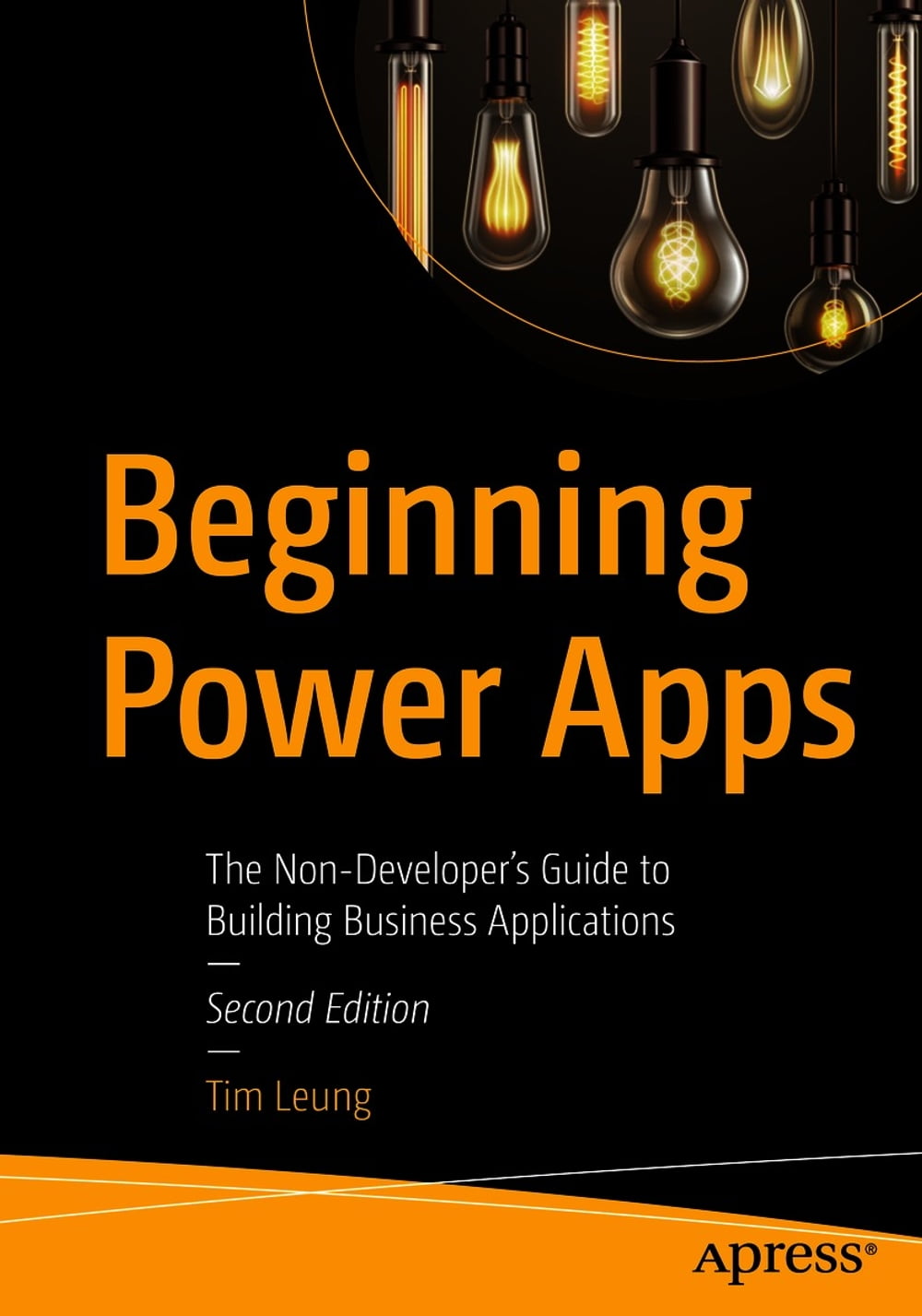


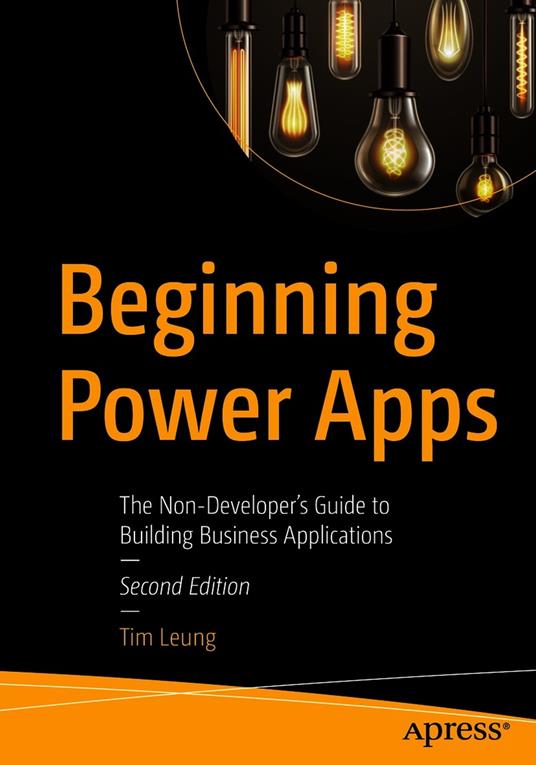
Transform the way your business works with easy-to-build apps. With this updated and expanded second edition, you can build business apps that work with your company's systems and databases, without having to enlist the expertise of costly, professionally trained software developers. Inthis new edition, business applications expert Tim Leung offers step-by-step guidance on how you can improve all areas of your business. He shows how you can replace manual or paper processes with modern apps that run on phone or tablet devices. For administrative and back-office operations, he covers how to build apps with workflow and dashboard capabilities. To facilitate collaboration with customers and clients, you’ll learn how to build secure web portals with data entry capabilities, including how to customize those portals with code. This hands-on new edition has 10 new chapters—including coverage on model-driven and portal apps, artificial intelligence, building components using the Power Apps Component Framework, using PowerShell for administration, and more—complete with context, explanatory screenshots, and non-technical terminology. What You Will Learn Create offline capable mobile apps and responsive web apps Carry out logic, data access, and data entry through formulas Embellish apps with charting, file handling, photo, barcode, and location features Set up Common Data Service, SharePoint, and SQL data sources Use AI to predict outcomes, recognize images, and analyze sentiment Integrate apps with external web services and automate tasks with Power Automate Build reusable code and canvas components, make customizations with JavaScript Transfer apps and data, and secure, administer, and monitor Power Apps environments Who This Book Is For Beginners and non-developers, and assumes no prior knowledge of Power Apps
-
Autore:
-
Anno edizione:2021
-
Editore:
-
Formato:
-
Lingua:Inglese
Compatibilità:
Tutti i dispositivi (eccetto Kindle) Scopri di più
Layout:
Reflowable
EAN:
9781484266830

Formato:
Gli eBook venduti da Feltrinelli.it sono in formato ePub e possono essere protetti da Adobe DRM. In caso di download di un file protetto da DRM si otterrà un file in formato .acs, (Adobe Content Server Message), che dovrà essere aperto tramite Adobe Digital Editions e autorizzato tramite un account Adobe, prima di poter essere letto su pc o trasferito su dispositivi compatibili.
Cloud:
Gli eBook venduti da Feltrinelli.it sono sincronizzati automaticamente su tutti i client di lettura Kobo successivamente all’acquisto. Grazie al Cloud Kobo i progressi di lettura, le note, le evidenziazioni vengono salvati e sincronizzati automaticamente su tutti i dispositivi e le APP di lettura Kobo utilizzati per la lettura.
Clicca qui per sapere come scaricare gli ebook utilizzando un pc con sistema operativo Windows
