










EBOOK IN LINGUA STRANIERA





Beginning Windows Mixed Reality Programming

49,91 €
+500
punti 
Venditore: Feltrinelli

Acquista online
Scaricabile subito
Articolo acquistabile con Carta del Docente

Articolo acquistabile con Carta Cultura Giovani e Carta del Merito

Articolo acquistabile con Carta della Cultura

Dati e Statistiche
 Salvato in 0 liste dei desideri
Salvato in 0 liste dei desideri
Beginning Windows Mixed Reality Programming
Scaricabile subito
49,91 €
49,91 €
Scaricabile subito

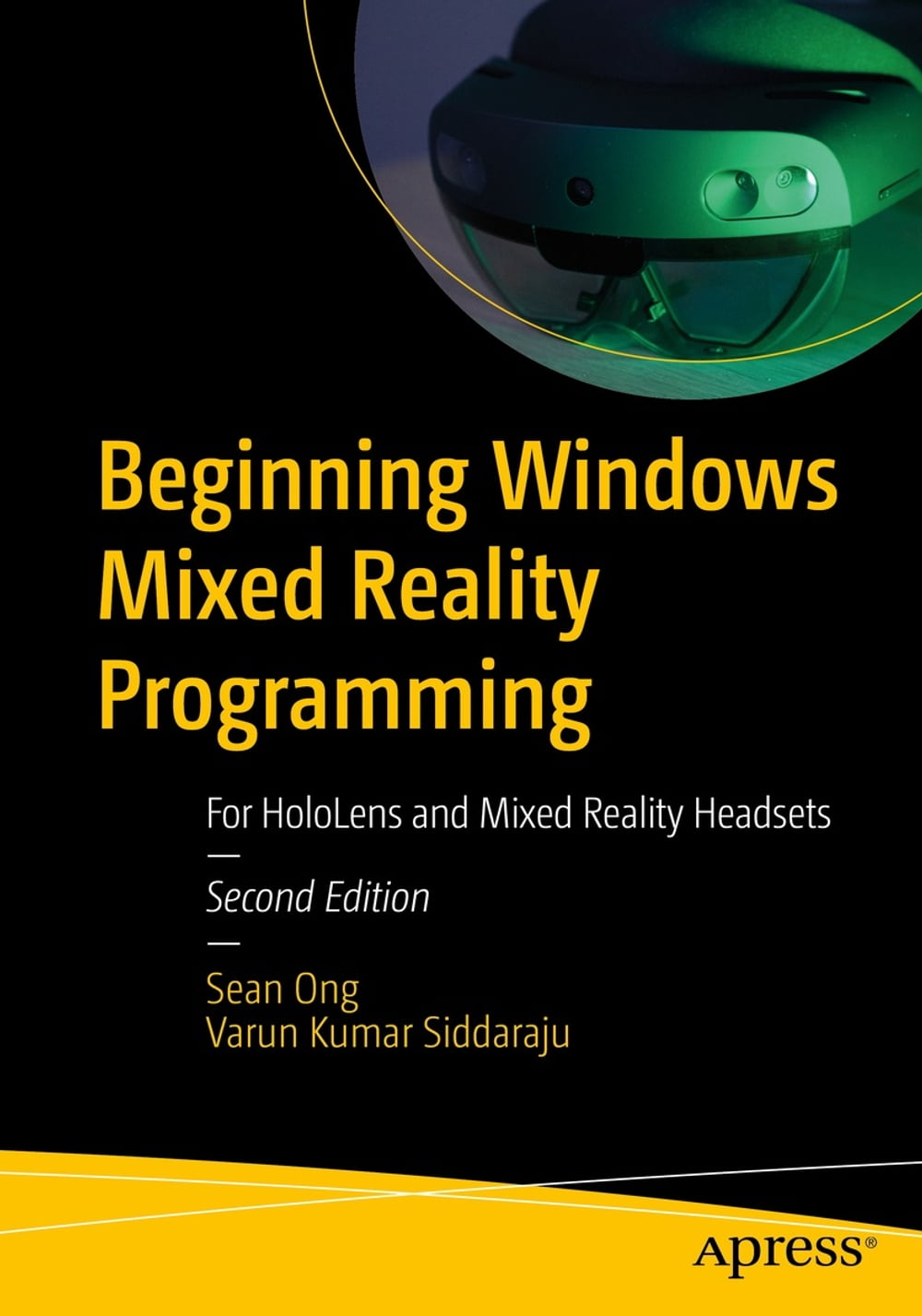



Develop applications and experiences for Microsoft’s HoloLens 2 and other Windows mixed reality devices. This easy-to-follow guide removes the mystery behind creating amazing augmented reality and virtual reality experiences. Mixed reality development tools and resources are provided. Beginning Windows Mixed Reality Programming, 2nd edition clearly explains all the nuances of mixed reality software development. You will learn how to create 3D objects and holograms, interact with holograms using voice commands and hand gestures, use spatial mapping and 3D spatial sound, build with toolkits such as Microsoft's Mixed Reality Toolkit and Unity’s AR Foundation and XR Platform, create intuitive user interfaces, and make truly awe-inspiring mixed reality experiences. This newly revised edition also includes updated content for HoloLens 2 development, including tutorials for new interactions such as hand tracking and eye tracking. What You Will Learn Prototype ideas quickly for the HoloLens 2 and Windows mixed reality devices Get started with Unity, the preferred tool for developing 3D experiences Locate and import 3D models for your project, or make your own Use spatial sound, voice commands, gestures, hand tracking, and eye tracking Build with Microsoft's Mixed Reality Toolkit and other toolkits to make apps the easy way Publish to the Windows Store and make money from your app Who This Book Is For Programmers looking to quickly learn how to create experiences for HoloLens 2. Also for programmers interested in building applications for the growing crop of virtual reality devices that support the Windows Mixed Reality platform.
-
Autore:
-
Anno edizione:2021
-
Editore:
-
Formato:
-
Lingua:Inglese
Compatibilità:
Tutti i dispositivi (eccetto Kindle) Scopri di più
Layout:
Reflowable
EAN:
9781484271049

Formato:
Gli eBook venduti da Feltrinelli.it sono in formato ePub e possono essere protetti da Adobe DRM. In caso di download di un file protetto da DRM si otterrà un file in formato .acs, (Adobe Content Server Message), che dovrà essere aperto tramite Adobe Digital Editions e autorizzato tramite un account Adobe, prima di poter essere letto su pc o trasferito su dispositivi compatibili.
Cloud:
Gli eBook venduti da Feltrinelli.it sono sincronizzati automaticamente su tutti i client di lettura Kobo successivamente all’acquisto. Grazie al Cloud Kobo i progressi di lettura, le note, le evidenziazioni vengono salvati e sincronizzati automaticamente su tutti i dispositivi e le APP di lettura Kobo utilizzati per la lettura.
Clicca qui per sapere come scaricare gli ebook utilizzando un pc con sistema operativo Windows
