










EBOOK IN LINGUA STRANIERA





Building Browser Extensions

55,11 €
+550
punti 
Venditore: Feltrinelli

Acquista online
Scaricabile subito
Articolo acquistabile con Carta del Docente

Articolo acquistabile con Carta Cultura Giovani e Carta del Merito

Articolo acquistabile con Carta della Cultura

Dati e Statistiche
 Salvato in 0 liste dei desideri
Salvato in 0 liste dei desideri
Building Browser Extensions
Scaricabile subito
55,11 €
55,11 €
Scaricabile subito

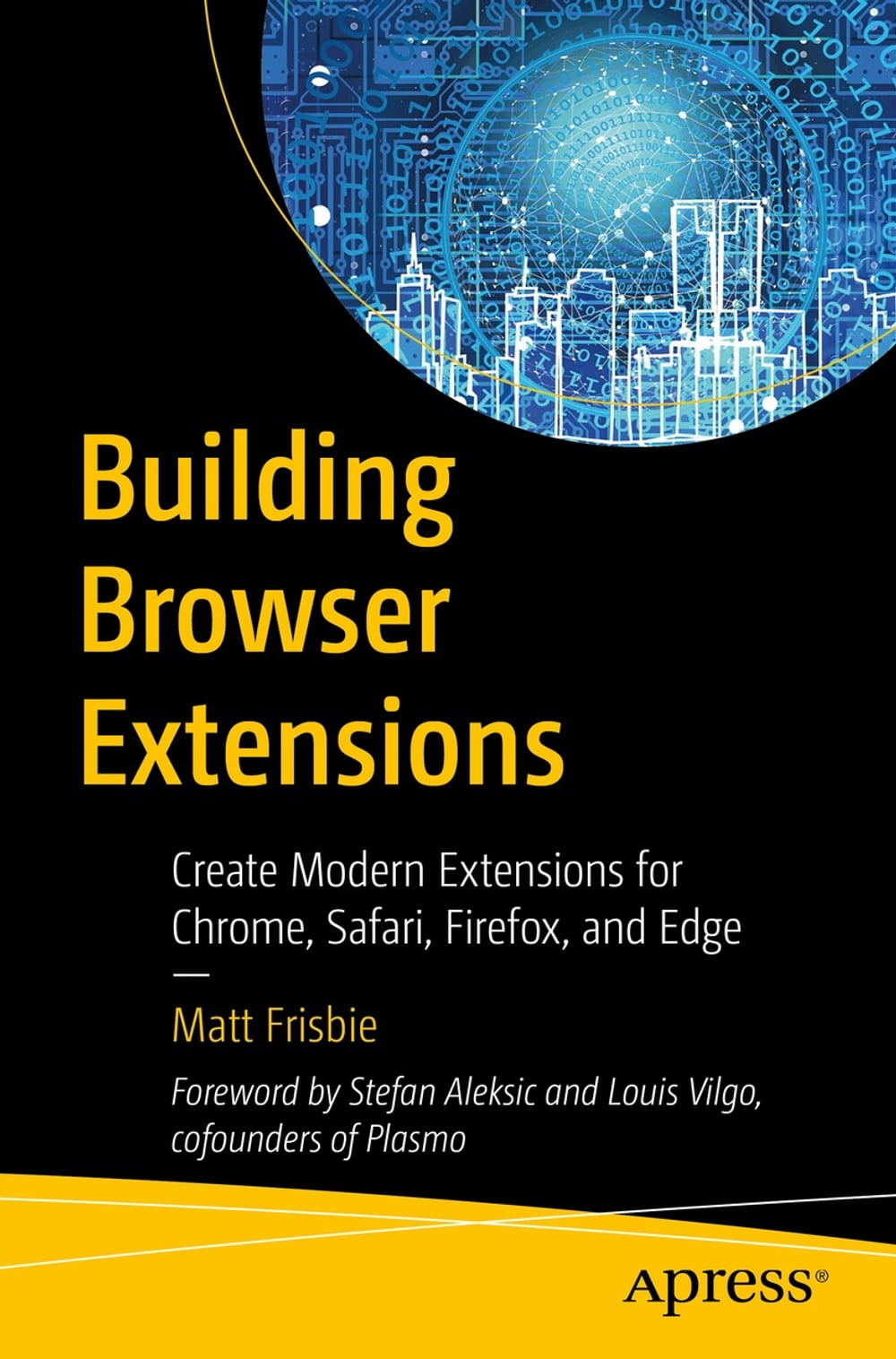


Almost all web developers today have plenty of experience with building regular web page apps, but a lot of that knowledge doesn't transfer over when it comes to creating browser extensions. This book provides a complete reference for how to build modern browser extensions. Creating and deploying a browser extension is more like building a mobile app than a website. When you start building an extension you'll often find there are a large number of new concepts and idiosyncrasies to wrangle with. This book reveals how to successfully navigate around these obstacles and how to take advantage of the limited resources available. You'll see how a browser extensions work, their component pieces, and how to build and deploy them. Additionally, you'll review all the tricky bits of extension development that most developers have to learn through trial and error. The current transition from manifest v2 to v3 is of special interest, and an entire chapter will be dedicated to this subject. By the end of this book, you will have a rich understanding of what browser extensions are, how they work, all the pitfalls to avoid, and the most efficient ways of building them. What You’ll Learn Examine the different components of browser extensions and how they behave Review common pitfalls developers encounter when building browser extensions and how to avoid them Develop, deploy, and manage a published browser extension Build a browser extension using modern JavaScript frameworks Who This Book Is For Developers tasked with building a supplementary browser extension to go alongside their existing product. This book also targets people that have at least a basic understanding of the fundamentals of web development and wish to quickly understand how they can roll out a browser extension.
-
Autore:
-
Anno edizione:2022
-
Editore:
-
Formato:
-
Lingua:Inglese
Compatibilità:
Tutti i dispositivi (eccetto Kindle) Scopri di più
Layout:
Reflowable
EAN:
9781484287255

Formato:
Gli eBook venduti da Feltrinelli.it sono in formato ePub e possono essere protetti da Adobe DRM. In caso di download di un file protetto da DRM si otterrà un file in formato .acs, (Adobe Content Server Message), che dovrà essere aperto tramite Adobe Digital Editions e autorizzato tramite un account Adobe, prima di poter essere letto su pc o trasferito su dispositivi compatibili.
Cloud:
Gli eBook venduti da Feltrinelli.it sono sincronizzati automaticamente su tutti i client di lettura Kobo successivamente all’acquisto. Grazie al Cloud Kobo i progressi di lettura, le note, le evidenziazioni vengono salvati e sincronizzati automaticamente su tutti i dispositivi e le APP di lettura Kobo utilizzati per la lettura.
Clicca qui per sapere come scaricare gli ebook utilizzando un pc con sistema operativo Windows
