










EBOOK IN LINGUA STRANIERA





Desk Reset

2,99 €
+30
punti 
Venditore: Feltrinelli

Acquista online
Scaricabile subito
Articolo acquistabile con Carta del Docente

Articolo acquistabile con Carta Cultura Giovani e Carta del Merito

Articolo acquistabile con Carta della Cultura

Abbonati a Kobo plus per avere accesso illimitato a questo contenuto

Dati e Statistiche
 Salvato in 0 liste dei desideri
Salvato in 0 liste dei desideri
Desk Reset
Scaricabile subito
2,99 €
2,99 €
Scaricabile subito

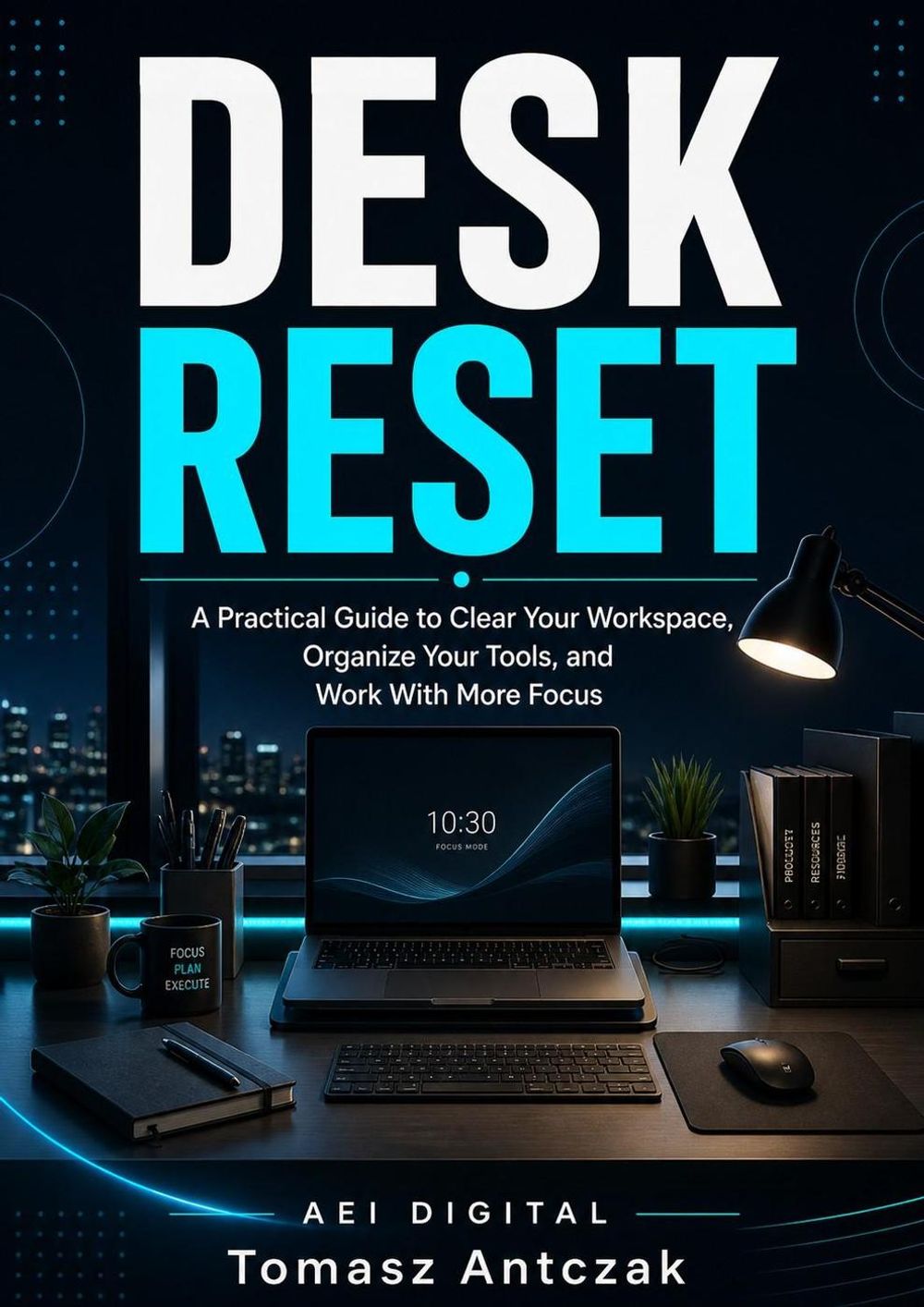



Your desk should help you start work — not slow you down before the day has even begun. A cluttered workspace can make simple tasks feel heavier. Papers, cables, cups, notes, receipts, open tabs, messy downloads, and random items all create small reminders that something is unfinished, undecided, or out of place. Desk Reset is a practical guide to help you clear visual noise, organize your workspace, and build a simple reset system that makes your desk easier to use every day. Inside this book, you will learn how to: • clear unnecessary visual clutter • decide what truly belongs on your desk • build an essential desk setup • organize tools, papers, receipts, cables, and daily items • create a simple paper decision path • reduce sticky note and note clutter • clean up your digital workspace • manage desktop files, downloads, browser tabs, and open windows • build a daily desk reset routine • use a 7-day Desk Reset Plan • apply practical templates and checklists • avoid common desk organization mistakes This is not a book about creating a perfect showroom desk. It is a practical workspace reset for people who want less clutter, fewer distractions, better organization, and a clearer starting point for work. If your desk often becomes a holding area for unfinished tasks, loose papers, tools, cables, or digital clutter, Desk Reset gives you a simple system to clear the noise, choose what belongs, give recurring items a home, and return your workspace to a usable state.
-
Autore:
-
Anno edizione:2026
-
Editore:
-
Formato:
-
Lingua:Inglese
Compatibilità:
Tutti i dispositivi (eccetto Kindle) Scopri di più
Layout:
Reflowable
EAN:
9798235295346

Formato:
Gli eBook venduti da Feltrinelli.it sono in formato ePub e possono essere protetti da Adobe DRM. In caso di download di un file protetto da DRM si otterrà un file in formato .acs, (Adobe Content Server Message), che dovrà essere aperto tramite Adobe Digital Editions e autorizzato tramite un account Adobe, prima di poter essere letto su pc o trasferito su dispositivi compatibili.
Cloud:
Gli eBook venduti da Feltrinelli.it sono sincronizzati automaticamente su tutti i client di lettura Kobo successivamente all’acquisto. Grazie al Cloud Kobo i progressi di lettura, le note, le evidenziazioni vengono salvati e sincronizzati automaticamente su tutti i dispositivi e le APP di lettura Kobo utilizzati per la lettura.
Clicca qui per sapere come scaricare gli ebook utilizzando un pc con sistema operativo Windows
