










EBOOK IN LINGUA STRANIERA





Excel Data Analysis for Busy Professionals: A Step-by-Step Guide to Pivot Tables, Dashboards, Power Query, and Real-World Business Reporting (Beginner to Intermediate)

8,49 €
+80
punti 
Venditore: Feltrinelli

Acquista online
Scaricabile subito
Articolo acquistabile con Carta del Docente

Articolo acquistabile con Carta Cultura Giovani e Carta del Merito

Articolo acquistabile con Carta della Cultura

Abbonati a Kobo plus per avere accesso illimitato a questo contenuto

Dati e Statistiche
 Salvato in 0 liste dei desideri
Salvato in 0 liste dei desideri
Excel Data Analysis for Busy Professionals: A Step-by-Step Guide to Pivot Tables, Dashboards, Power Query, and Real-World Business Reporting (Beginner to Intermediate)
Scaricabile subito
8,49 €
8,49 €
Scaricabile subito

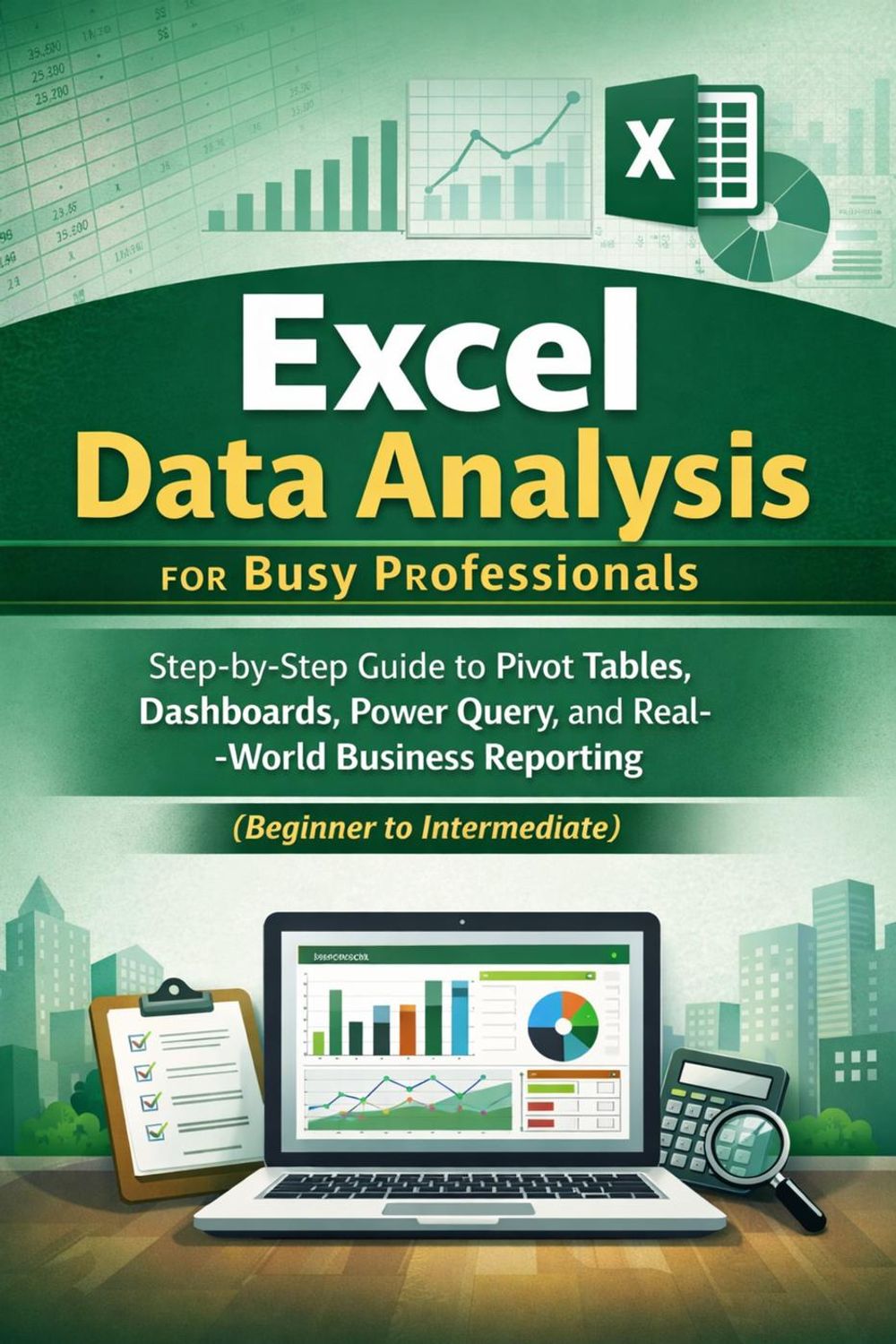



Excel Data Analysis for Busy Professionals: A Step-by-Step Guide to Pivot Tables, Dashboards, Power Query, and Real-World Business Reporting (Beginner to Intermediate) Your reports shouldn't break five minutes before the meeting. I wrote this book for busy professionals who need Excel to behave like a reliable reporting system—not a fragile spreadsheet held together by copy/paste and crossed fingers. I'm Emma Carter, and after years of studying Artificial Intelligence with the great thinkers in the field, I learned a simple truth: good results come from good structure. In these pages, we'll build that structure together—so your analysis is faster, your numbers are cleaner, and your reporting workflow becomes repeatable. You'll learn how to set up modern Excel the right way, clean messy exports without drama, and use formulas that stay readable when your workbook grows. Then we'll level up into PivotTables that don't fall apart, charts that communicate clearly, and practical dashboards that tell a one-page story. Finally, you'll use Power Query to turn "monthly pain" into a refresh button—importing, transforming, combining files, and building a system you can reuse at work. Every chapter follows the same pattern—what you'll build, when to use it, step-by-step instructions, common mistakes, and a checklist—so you always know exactly what to do next. Inside the book A job-ready workflow: clean inputs ? structured tables ? repeatable logic ? refreshable outputs PivotTables built the right way (grouping, filters, sorting, Top/Bottom, and safe field settings) KPI-ready formulas you'll actually reuse: XLOOKUP, SUMIFS, IF/IFS/SWITCH, and date logic Practical dashboards that tell a clear story—without flashy, fragile design Power Query from scratch: import, transform, append/merge, and automate refresh Real-world practice files and realistic datasets (messy exports included on purpose) Two portfolio-grade projects: Sales Performance Dashboard + Budget Variance Report Common mistakes and quick checklists that prevent broken reports under pressure If you want Excel skills that translate directly into better reporting at work—this is the book that gets you there, fast.
-
Autore:
-
Anno edizione:2026
-
Editore:
-
Formato:
-
Lingua:Inglese
Compatibilità:
Tutti i dispositivi (eccetto Kindle) Scopri di più
Layout:
Reflowable
EAN:
9798233682940

Formato:
Gli eBook venduti da Feltrinelli.it sono in formato ePub e possono essere protetti da Adobe DRM. In caso di download di un file protetto da DRM si otterrà un file in formato .acs, (Adobe Content Server Message), che dovrà essere aperto tramite Adobe Digital Editions e autorizzato tramite un account Adobe, prima di poter essere letto su pc o trasferito su dispositivi compatibili.
Cloud:
Gli eBook venduti da Feltrinelli.it sono sincronizzati automaticamente su tutti i client di lettura Kobo successivamente all’acquisto. Grazie al Cloud Kobo i progressi di lettura, le note, le evidenziazioni vengono salvati e sincronizzati automaticamente su tutti i dispositivi e le APP di lettura Kobo utilizzati per la lettura.
Clicca qui per sapere come scaricare gli ebook utilizzando un pc con sistema operativo Windows
