










EBOOK IN LINGUA STRANIERA





How to Do Everything NetObjects Fusion 11

16,11 €
+160
punti 
Prezzo minimo ultimi 30 giorni: 15,80 €
Venditore: Feltrinelli

Acquista online
Scaricabile subito
Articolo acquistabile con Carta del Docente

Articolo acquistabile con Carta Cultura Giovani e Carta del Merito

Articolo acquistabile con Carta della Cultura

Dati e Statistiche
 Salvato in 0 liste dei desideri
Salvato in 0 liste dei desideri
How to Do Everything NetObjects Fusion 11
Scaricabile subito
16,11 €
16,11 €
Scaricabile subito
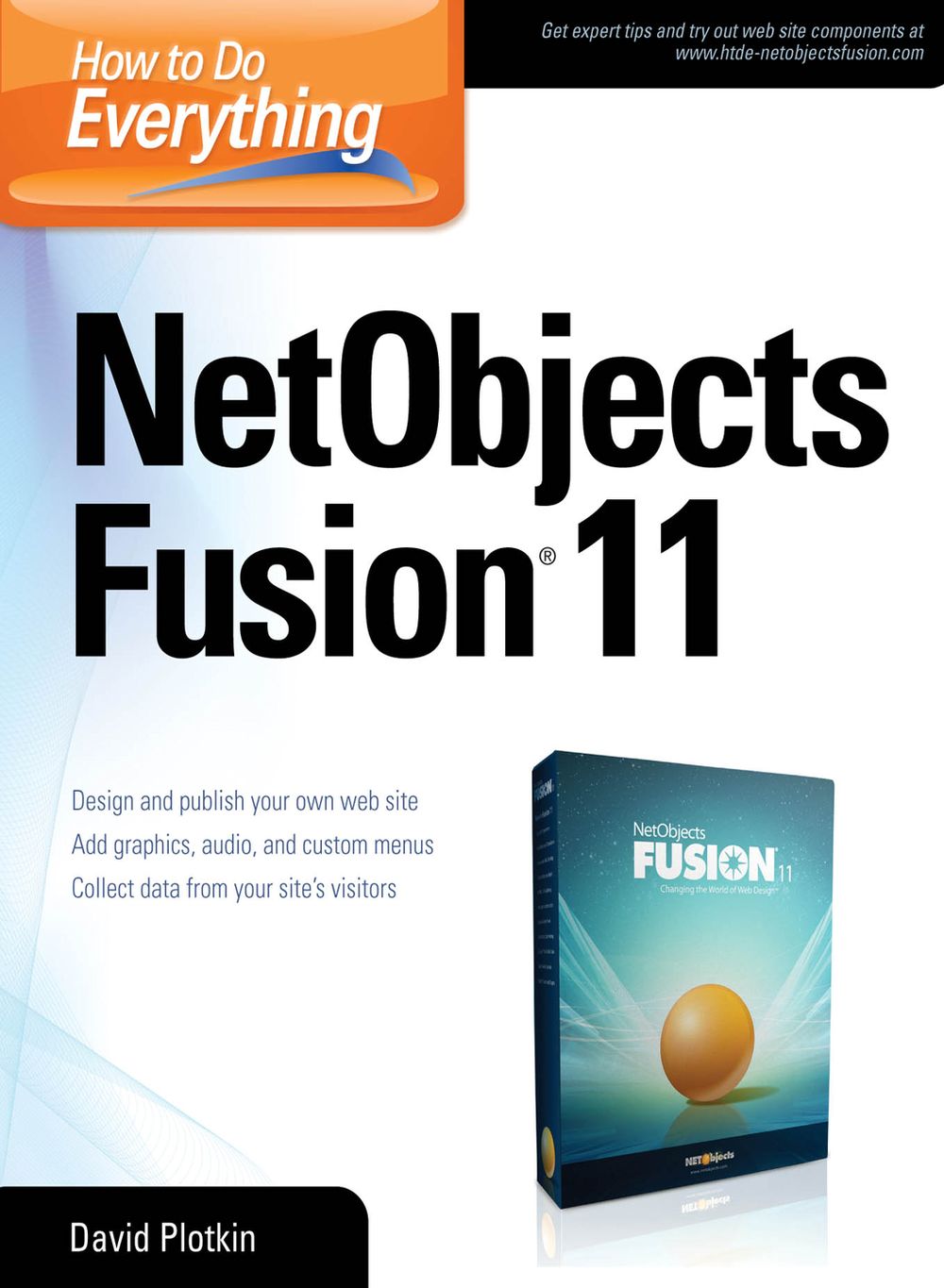


Design custom web sites with NetObjects Fusion 11 Get up and running quickly on the latest version of the complete, do-it-yourself web site design software. How to Do Everything: NetObjects Fusion 11 explains how to navigate the interface, configure the toolbars and panels, create web sites and pages, position and format text, and include graphics and audio. You'll get tips for designing and structuring your site, and adding advanced functionality, such as search capability, site mapping, forms, FAQs, Guestbooks, and security. Design, develop, publish, and manage your NetObjects Fusion 11 web site with ease using this hands-on guide. Build a web site template and pages Add text, graphics, and audio Work with tables and objects Establish site look and feel with SiteStyles Set up site navigation and build hyperlinks Create a photo gallery Customize your site with Flash, Java, and ActiveX Collect data with forms Set up Frequently Asked Questions and Guestbooks Create advanced functionality with custom components Publish your site to the web
-
Autore:
-
Anno edizione:2008
-
Editore:
-
Formato:
-
Lingua:Inglese
Compatibilità:
Tutti i dispositivi (eccetto Kindle) Scopri di più
Layout:
Reflowable
EAN:
9780071643627

Formato:
Gli eBook venduti da Feltrinelli.it sono in formato ePub e possono essere protetti da Adobe DRM. In caso di download di un file protetto da DRM si otterrà un file in formato .acs, (Adobe Content Server Message), che dovrà essere aperto tramite Adobe Digital Editions e autorizzato tramite un account Adobe, prima di poter essere letto su pc o trasferito su dispositivi compatibili.
Cloud:
Gli eBook venduti da Feltrinelli.it sono sincronizzati automaticamente su tutti i client di lettura Kobo successivamente all’acquisto. Grazie al Cloud Kobo i progressi di lettura, le note, le evidenziazioni vengono salvati e sincronizzati automaticamente su tutti i dispositivi e le APP di lettura Kobo utilizzati per la lettura.
Clicca qui per sapere come scaricare gli ebook utilizzando un pc con sistema operativo Windows
