









EBOOK IN LINGUA STRANIERA





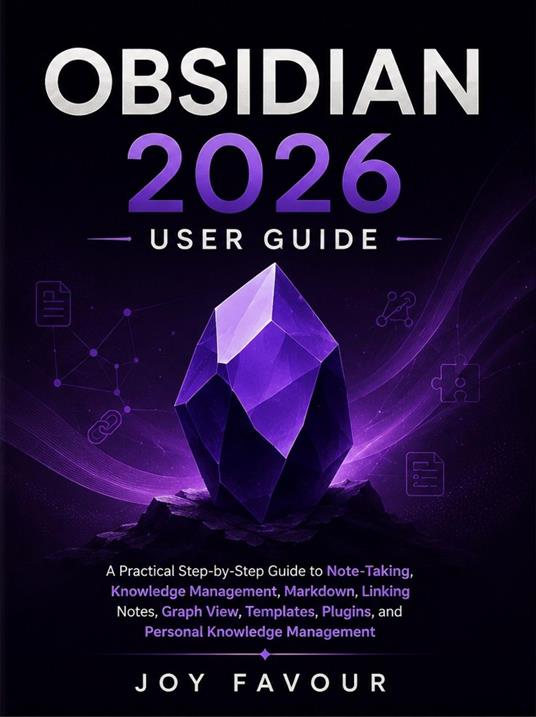
Obsidian 2026 User Guide

7,99 €
+80
punti 
Venditore: Feltrinelli

Acquista online
Scaricabile subito
Articolo acquistabile con Carta del Docente

Articolo acquistabile con Carta Cultura Giovani e Carta del Merito

Articolo acquistabile con Carta della Cultura

Dati e Statistiche
 Salvato in 0 liste dei desideri
Salvato in 0 liste dei desideri
Obsidian 2026 User Guide
Scaricabile subito
7,99 €
7,99 €
Scaricabile subito
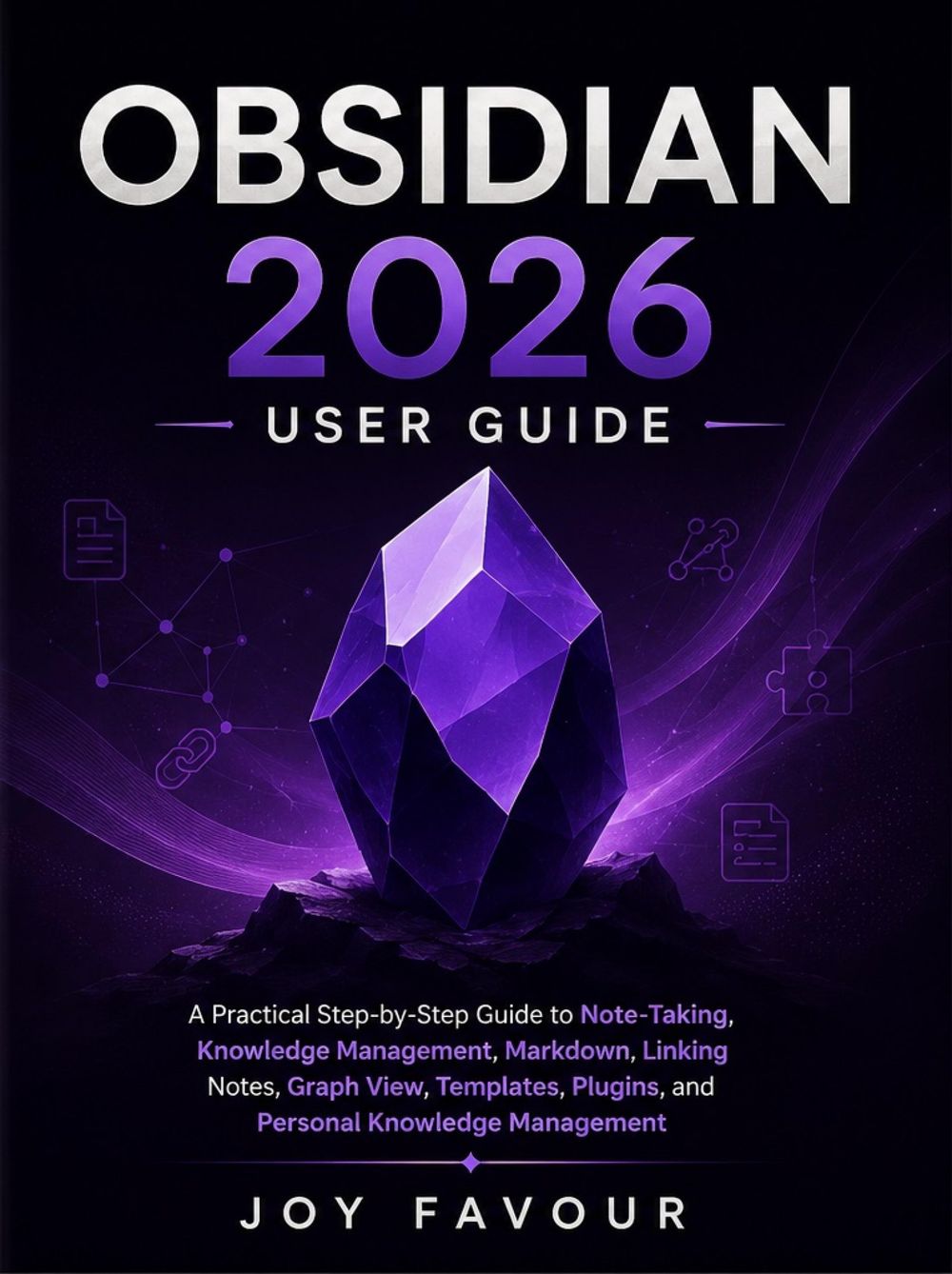


Want to take better notes, organize your ideas, connect information, and build a personal knowledge system that actually works? Obsidian 2026 User Guide provides a practical, step-by-step introduction to using Obsidian for note-taking, knowledge management, research, learning, productivity, and personal organization. Whether you are completely new to Obsidian or want to improve the way you manage your existing vault, this guide walks you through the essential features and techniques you need to create an organized and connected digital knowledge base. Inside this guide, you will discover how to: Get started with Obsidian and understand its core concepts Create, organize, edit, and manage notes effectively Use Markdown to format notes quickly and efficiently Create links between notes and build a connected knowledge system Organize information using folders, tags, properties, and metadata Understand and use Obsidian's Graph View Create reusable templates for faster note-taking Discover and work with plugins to extend Obsidian's capabilities Build a practical personal knowledge management system Organize research, projects, ideas, tasks, and reference materials Improve your productivity through structured note-taking Develop a system for connecting and retrieving information efficiently Designed with practical learners in mind, this guide focuses on clear explanations and useful workflows rather than unnecessary complexity. Whether you are a student, writer, researcher, professional, content creator, or simply someone who wants a better way to organize knowledge, Obsidian 2026 User Guide can help you turn scattered notes and ideas into a structured, searchable, and interconnected knowledge system. Start building your Obsidian vault and transform the way you capture, organize, connect, and use information.
-
Autore:
-
Anno edizione:2026
-
Editore:
-
Formato:
-
Lingua:Inglese
Compatibilità:
Tutti i dispositivi (eccetto Kindle) Scopri di più
Layout:
Reflowable
EAN:
9783565628124

Formato:
Gli eBook venduti da Feltrinelli.it sono in formato ePub e possono essere protetti da Adobe DRM. In caso di download di un file protetto da DRM si otterrà un file in formato .acs, (Adobe Content Server Message), che dovrà essere aperto tramite Adobe Digital Editions e autorizzato tramite un account Adobe, prima di poter essere letto su pc o trasferito su dispositivi compatibili.
Cloud:
Gli eBook venduti da Feltrinelli.it sono sincronizzati automaticamente su tutti i client di lettura Kobo successivamente all’acquisto. Grazie al Cloud Kobo i progressi di lettura, le note, le evidenziazioni vengono salvati e sincronizzati automaticamente su tutti i dispositivi e le APP di lettura Kobo utilizzati per la lettura.
Clicca qui per sapere come scaricare gli ebook utilizzando un pc con sistema operativo Windows
