









EBOOK IN LINGUA STRANIERA





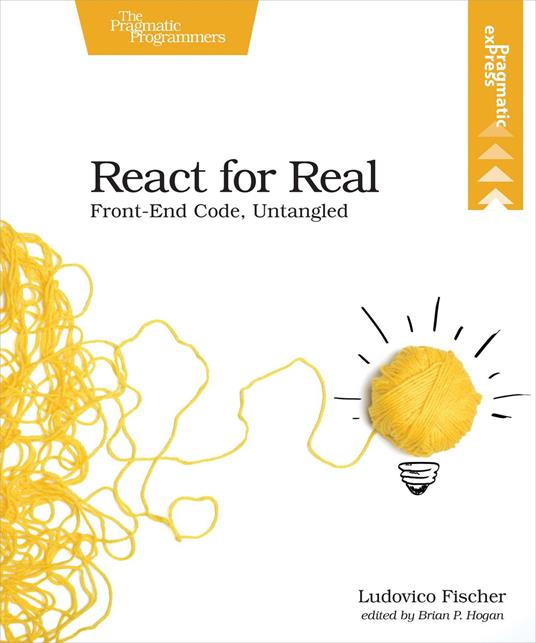
React for Real

14,13 €
+140
punti 
Venditore: Feltrinelli

Acquista online
Scaricabile subito
Articolo acquistabile con Carta del Docente

Articolo acquistabile con Carta Cultura Giovani e Carta del Merito

Articolo acquistabile con Carta della Cultura

Dati e Statistiche
 Salvato in 0 liste dei desideri
Salvato in 0 liste dei desideri
React for Real
Scaricabile subito
14,13 €
14,13 €
Scaricabile subito




When traditional web development techniques don't cut it, try React. Use React to create highly interactive web pages faster and with fewer errors. With a little JavaScript experience under your belt, you'll be up and running in no time creating dynamic web applications. Craft isolated components that make your apps easier to develop and maintain, with plenty of guidance on best practices. Set up automated tests, and make pages render fast for your users. See how to use your React skills to integrate with other front-end technologies when needed. Dive right into React by defining components, the basic building blocks of a React application. Integrate modern JavaScript language features such as classes and arrow functions in your app. Analyze the relationships in your data to isolate state, and sync the data model with what your users see. Once you're familiar with how a React application works, organize your code base with modules. Configure a production build and deliver your app as efficiently as possible with Webpack. Master testing with React-specific advice and tools to catch the most bugs with the least amount of code. Learn the basics of the Redux library. Define actions and manage an immutable central state with reducers, then connect Redux to your React components to build even larger and more complex interfaces. Package your React code as a standalone widget so anyone can use it in their own applications. Reuse existing JavaScript code in your React components, and build a new React view on top of an existing data model shared with a legacy application. When you finish this book, you'll be well on your way to solving your front-end problems with React. What You Need: Node.js 6.x or later, and a modern web browser.
-
Autore:
-
Anno edizione:2018
-
Editore:
-
Formato:
-
Lingua:Inglese
Compatibilità:
Tutti i dispositivi (eccetto Kindle) Scopri di più
Layout:
Reflowable
EAN:
9781680504484

Formato:
Gli eBook venduti da Feltrinelli.it sono in formato ePub e possono essere protetti da Adobe DRM. In caso di download di un file protetto da DRM si otterrà un file in formato .acs, (Adobe Content Server Message), che dovrà essere aperto tramite Adobe Digital Editions e autorizzato tramite un account Adobe, prima di poter essere letto su pc o trasferito su dispositivi compatibili.
Cloud:
Gli eBook venduti da Feltrinelli.it sono sincronizzati automaticamente su tutti i client di lettura Kobo successivamente all’acquisto. Grazie al Cloud Kobo i progressi di lettura, le note, le evidenziazioni vengono salvati e sincronizzati automaticamente su tutti i dispositivi e le APP di lettura Kobo utilizzati per la lettura.
Clicca qui per sapere come scaricare gli ebook utilizzando un pc con sistema operativo Windows
