










EBOOK IN LINGUA STRANIERA





The Ridiculously Simple Guide to Google Slides

4,15 €
+40
punti 
Venditore: Feltrinelli

Acquista online
Scaricabile subito
Articolo acquistabile con Carta del Docente

Articolo acquistabile con Carta Cultura Giovani e Carta del Merito

Articolo acquistabile con Carta della Cultura

Dati e Statistiche
 Salvato in 0 liste dei desideri
Salvato in 0 liste dei desideri
The Ridiculously Simple Guide to Google Slides
Scaricabile subito
4,15 €
4,15 €
Scaricabile subito

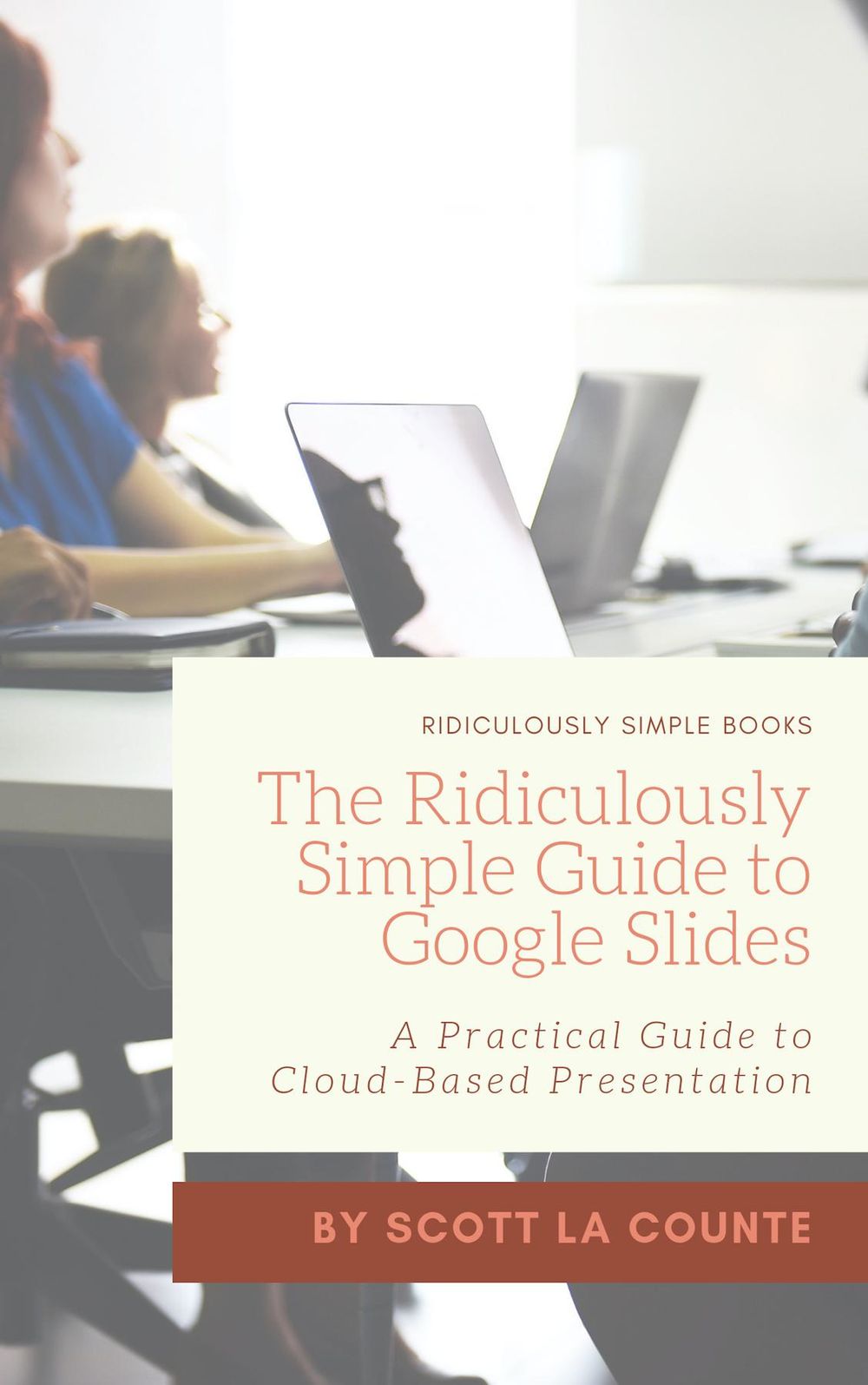


Take your presentations to the cloud! How many times do you work on a presentation that you will get absolutely no feedback on and want no help? Maybe you’re the type that likes to whip something up and have no practice or feedback at all? Most of us are the former. Before we stand in front of a group of people, we want to make sure we’re as polished as possible. The problem is PowerPoint wasn’t built like that. It was built as a desktop program that one person would use at a time. Google realized the problem and seized the opportunity when they launched Google Slides over ten years ago. Google Slides is a cloud-based presentation editor that can replace PowerPoint or Keynote. If you’d like to get the most out of the software, then let’s get started! Note: This book is the Google Slides portion of the larger work: The Ridiculously Simple Guide to Google Apps (G Suite). This book is not endorsed by Alphabet, Inc.
-
Autore:
-
Anno edizione:2019
-
Editore:
-
Formato:
-
Lingua:Inglese
Compatibilità:
Tutti i dispositivi (eccetto Kindle) Scopri di più
Layout:
Reflowable
EAN:
9781629179520

Formato:
Gli eBook venduti da Feltrinelli.it sono in formato ePub e possono essere protetti da Adobe DRM. In caso di download di un file protetto da DRM si otterrà un file in formato .acs, (Adobe Content Server Message), che dovrà essere aperto tramite Adobe Digital Editions e autorizzato tramite un account Adobe, prima di poter essere letto su pc o trasferito su dispositivi compatibili.
Cloud:
Gli eBook venduti da Feltrinelli.it sono sincronizzati automaticamente su tutti i client di lettura Kobo successivamente all’acquisto. Grazie al Cloud Kobo i progressi di lettura, le note, le evidenziazioni vengono salvati e sincronizzati automaticamente su tutti i dispositivi e le APP di lettura Kobo utilizzati per la lettura.
Clicca qui per sapere come scaricare gli ebook utilizzando un pc con sistema operativo Windows
