










EBOOK IN LINGUA STRANIERA





Unity 6.5 Game Development User Guide

7,99 €
+80
punti 
Venditore: Feltrinelli

Acquista online
Scaricabile subito
Articolo acquistabile con Carta del Docente

Articolo acquistabile con Carta Cultura Giovani e Carta del Merito

Articolo acquistabile con Carta della Cultura

Dati e Statistiche
 Salvato in 0 liste dei desideri
Salvato in 0 liste dei desideri
Unity 6.5 Game Development User Guide
Scaricabile subito
7,99 €
7,99 €
Scaricabile subito

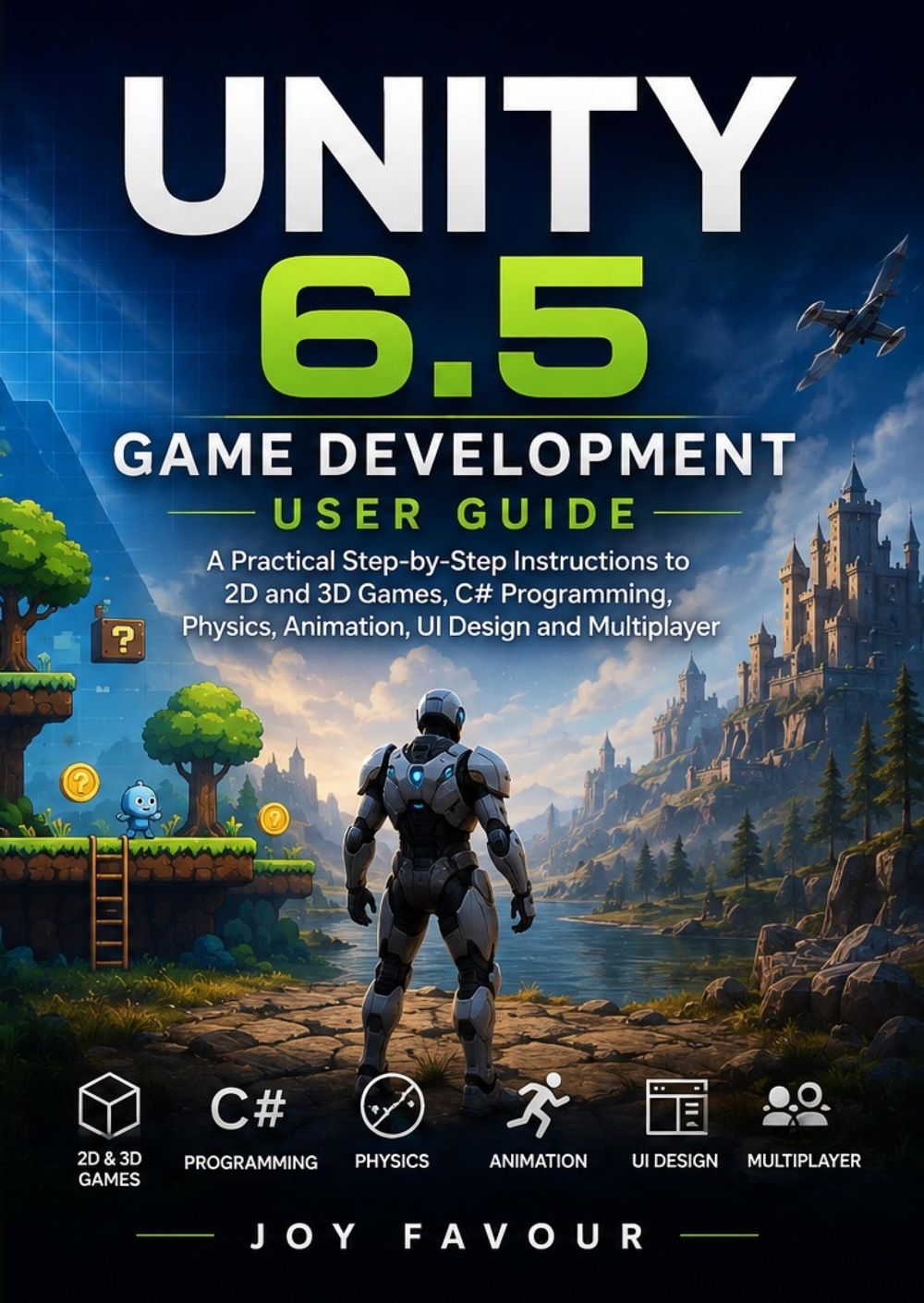



Ready to turn your game ideas into interactive experiences? Unity 6.5 Game Development User Guide provides a practical, step-by-step introduction to game development with Unity, covering the essential tools and techniques needed to create, test, refine, and prepare games for release. Designed for beginners, aspiring developers, students, hobbyists, and creators, this guide introduces Unity's development workflow while helping you build practical skills in both 2D and 3D game development. Inside this guide, you'll learn how to: Set up Unity and navigate the Unity Editor Create and organize new game projects Understand scenes, GameObjects, components, and assets Build engaging 2D game environments Create 3D worlds, levels, and interactive scenes Learn the fundamentals of C# programming for Unity Create player movement and gameplay mechanics Work with physics, collisions, and interactions Add animation and visual effects to your games Design menus, HUDs, buttons, and other user-interface elements Manage game assets and project organization Test, debug, and improve your projects Understand fundamental multiplayer development concepts Prepare your game for publishing and distribution Whether you're interested in creating a 2D platformer, 3D adventure, puzzle game, simulation, action game, or multiplayer experience, the skills covered in this book can provide a strong foundation for your projects. With straightforward explanations and practical workflows, Unity 6.5 Game Development User Guide helps you understand how Unity's major systems work together—from C# scripting and physics to animation, UI, and multiplayer features. Learn Unity, write C# code, build interactive worlds, and turn your game ideas into playable experiences.
-
Autore:
-
Anno edizione:2026
-
Editore:
-
Formato:
-
Lingua:Inglese
Compatibilità:
Tutti i dispositivi (eccetto Kindle) Scopri di più
Layout:
Reflowable
EAN:
9783565624164

Formato:
Gli eBook venduti da Feltrinelli.it sono in formato ePub e possono essere protetti da Adobe DRM. In caso di download di un file protetto da DRM si otterrà un file in formato .acs, (Adobe Content Server Message), che dovrà essere aperto tramite Adobe Digital Editions e autorizzato tramite un account Adobe, prima di poter essere letto su pc o trasferito su dispositivi compatibili.
Cloud:
Gli eBook venduti da Feltrinelli.it sono sincronizzati automaticamente su tutti i client di lettura Kobo successivamente all’acquisto. Grazie al Cloud Kobo i progressi di lettura, le note, le evidenziazioni vengono salvati e sincronizzati automaticamente su tutti i dispositivi e le APP di lettura Kobo utilizzati per la lettura.
Clicca qui per sapere come scaricare gli ebook utilizzando un pc con sistema operativo Windows
