










EBOOK IN LINGUA STRANIERA





CompTIA Linux+/LPIC-1 Certification All-in-One Exam Guide, Second Edition (Exams LX0-103 & LX0-104/101-400 & 102-400)

38,57 €
+390
punti 
Prezzo minimo ultimi 30 giorni: 37,85 €
Venditore: Feltrinelli

Acquista online
Scaricabile subito
Articolo acquistabile con Carta del Docente

Articolo acquistabile con Carta Cultura Giovani e Carta del Merito

Articolo acquistabile con Carta della Cultura

Dati e Statistiche
 Salvato in 0 liste dei desideri
Salvato in 0 liste dei desideri
CompTIA Linux+/LPIC-1 Certification All-in-One Exam Guide, Second Edition (Exams LX0-103 & LX0-104/101-400 & 102-400)
Scaricabile subito
38,57 €
38,57 €
Scaricabile subito

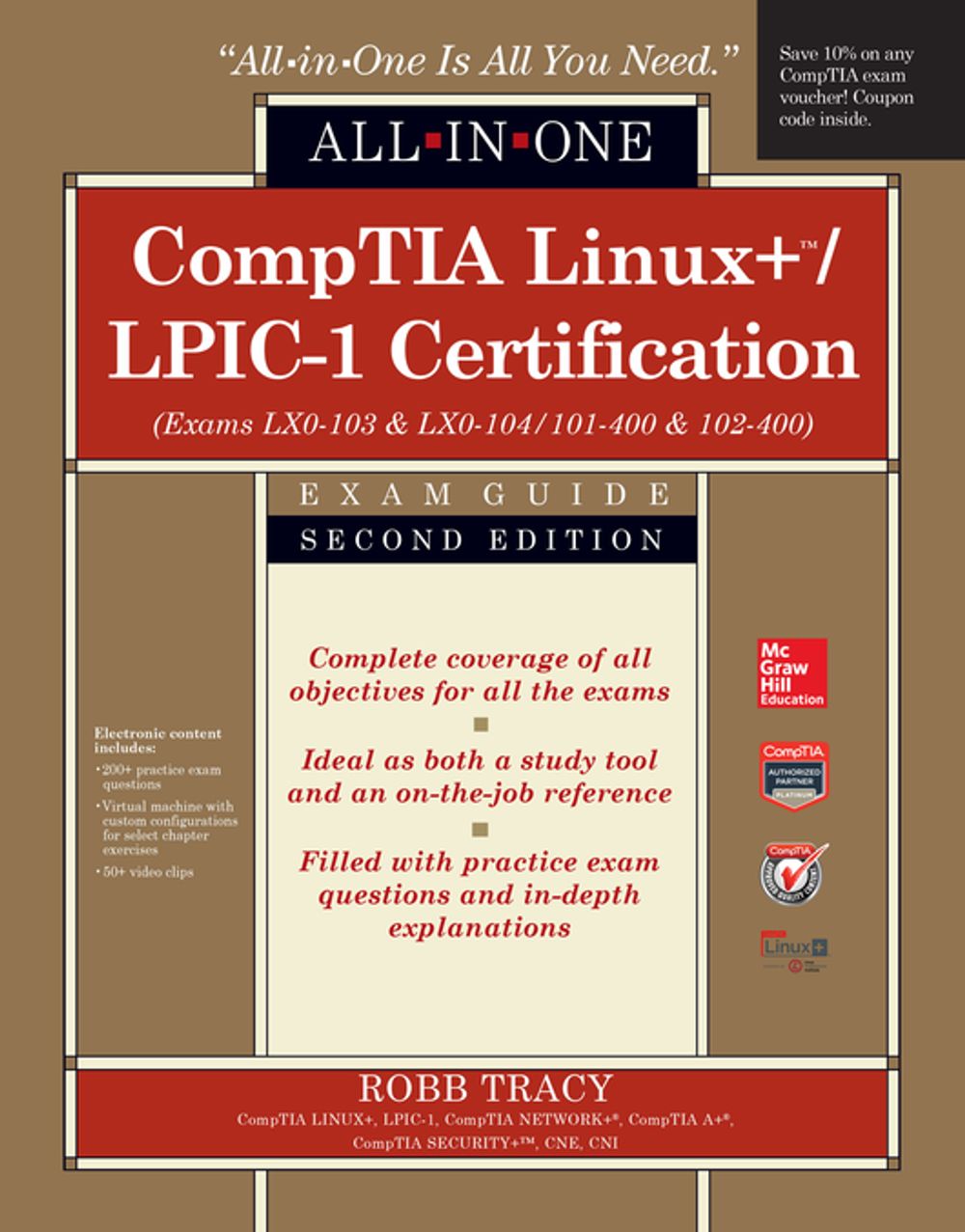



Revised for the 2015 update to the CompTIA Linux+/LPIC-1 objectives, this value-packed exam guide covers the leading vendor-neutral credential for Linux and comes with a virtual machine configured for hands-on exercises, video training, and hundreds of practice exam questions. Get complete coverage of all the objectives included on CompTIA Linux+ exams LX0-103 and LX0-104 and LPIC-1 exams 101-400 and 102-400 from this up-to-date resource. Written by a Linux expert and technology trainer, the book provides learning objectives at the beginning of each chapter, exam tips, practice exam questions, and in-depth answer explanations. Designed to help you pass these challenging exams, this definitive volume also serves as an essential on-the-job reference. Covers all exam topics, including how to: Work with the Linux shell Use the vi text editor Manage Linux files and directories Install Linux and manage the boot process Configure the graphical environment Manage software and hardware Manage users, groups, file systems, and processes Administer ownership, permissions, and quotas Write shell scripts Manage network settings and services Secure Linux and use encryption Electronic content includes: 200+ practice exam questions Virtual machine with custom configurations for select chapter exercises 50+ video clips Save 10% on CompTIA exam vouchers for any CompTIA certification! See inside the book for details.
-
Autore:
-
Anno edizione:2015
-
Editore:
-
Formato:
-
Lingua:Inglese
Compatibilità:
Tutti i dispositivi (eccetto Kindle) Scopri di più
Layout:
Reflowable
EAN:
9780071841719

Formato:
Gli eBook venduti da Feltrinelli.it sono in formato ePub e possono essere protetti da Adobe DRM. In caso di download di un file protetto da DRM si otterrà un file in formato .acs, (Adobe Content Server Message), che dovrà essere aperto tramite Adobe Digital Editions e autorizzato tramite un account Adobe, prima di poter essere letto su pc o trasferito su dispositivi compatibili.
Cloud:
Gli eBook venduti da Feltrinelli.it sono sincronizzati automaticamente su tutti i client di lettura Kobo successivamente all’acquisto. Grazie al Cloud Kobo i progressi di lettura, le note, le evidenziazioni vengono salvati e sincronizzati automaticamente su tutti i dispositivi e le APP di lettura Kobo utilizzati per la lettura.
Clicca qui per sapere come scaricare gli ebook utilizzando un pc con sistema operativo Windows
