









EBOOK IN LINGUA STRANIERA





Introduction to SparxSystems Enterprise Architect

55,11 €
+550
punti 
Venditore: Feltrinelli

Acquista online
Scaricabile subito
Articolo acquistabile con Carta del Docente

Articolo acquistabile con Carta Cultura Giovani e Carta del Merito

Articolo acquistabile con Carta della Cultura

Dati e Statistiche
 Salvato in 0 liste dei desideri
Salvato in 0 liste dei desideri
Introduction to SparxSystems Enterprise Architect
Scaricabile subito
55,11 €
55,11 €
Scaricabile subito

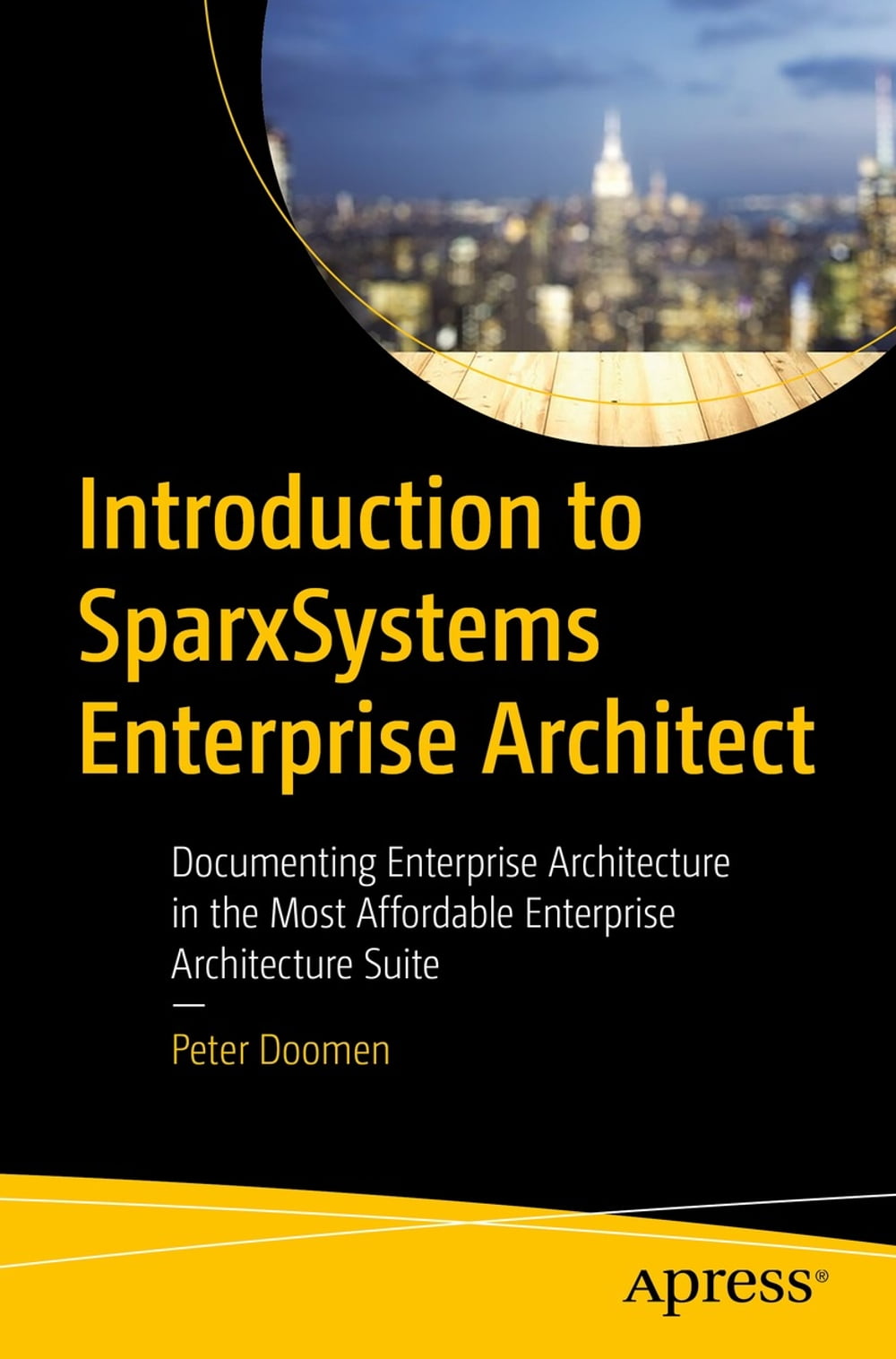


SparxSystems Enterprise Architect (EA) is a logical choice for many companies and organizations: it combines a broad feature set with an affordable price. However, the robust range of features makes starting to use this fantastic tool a bit intimidating. Enter Michael, a fictional consultant and experienced enterprise architect featured throughout the book to show you how to populate a model with elements and connectors, and how to create diagrams that speak to the audience: management, project managers, internal audit, business stakeholders and IT representatives. As the book progresses Michael's duties continue with more advanced topics including the use of workflow tools such as Kanban boards. You'll even see how to present directly from Enterprise Architect so that latest information can be shown straight from the source! The last days of Michael’s mission are devoted to fine-tuning the enterprise architecture model with the help of tagged values. And to leave the model in the hands of the customer by creating a custom toolbox. What You'll Learn Setup EA and populate a model with elements, connectors and diagrams Review the Big Five of enterprise architect: Model, Packages, Diagrams, Elements, Connectors Implement evidence-based best practice strategies aligned with overall goals Who This Book Is For Non-technical users who use EA mainly to document entire landscapes.
-
Autore:
-
Anno edizione:2023
-
Editore:
-
Formato:
-
Lingua:Inglese
Compatibilità:
Tutti i dispositivi (eccetto Kindle) Scopri di più
Layout:
Reflowable
EAN:
9781484293126

Formato:
Gli eBook venduti da Feltrinelli.it sono in formato ePub e possono essere protetti da Adobe DRM. In caso di download di un file protetto da DRM si otterrà un file in formato .acs, (Adobe Content Server Message), che dovrà essere aperto tramite Adobe Digital Editions e autorizzato tramite un account Adobe, prima di poter essere letto su pc o trasferito su dispositivi compatibili.
Cloud:
Gli eBook venduti da Feltrinelli.it sono sincronizzati automaticamente su tutti i client di lettura Kobo successivamente all’acquisto. Grazie al Cloud Kobo i progressi di lettura, le note, le evidenziazioni vengono salvati e sincronizzati automaticamente su tutti i dispositivi e le APP di lettura Kobo utilizzati per la lettura.
Clicca qui per sapere come scaricare gli ebook utilizzando un pc con sistema operativo Windows
