










EBOOK IN LINGUA STRANIERA





Beginning iPhone Development with SwiftUI

55,11 €
+550
punti 
Venditore: Feltrinelli

Acquista online
Scaricabile subito
Articolo acquistabile con Carta del Docente

Articolo acquistabile con Carta Cultura Giovani e Carta del Merito

Articolo acquistabile con Carta della Cultura

Dati e Statistiche
 Salvato in 0 liste dei desideri
Salvato in 0 liste dei desideri
Beginning iPhone Development with SwiftUI
Scaricabile subito
55,11 €
55,11 €
Scaricabile subito

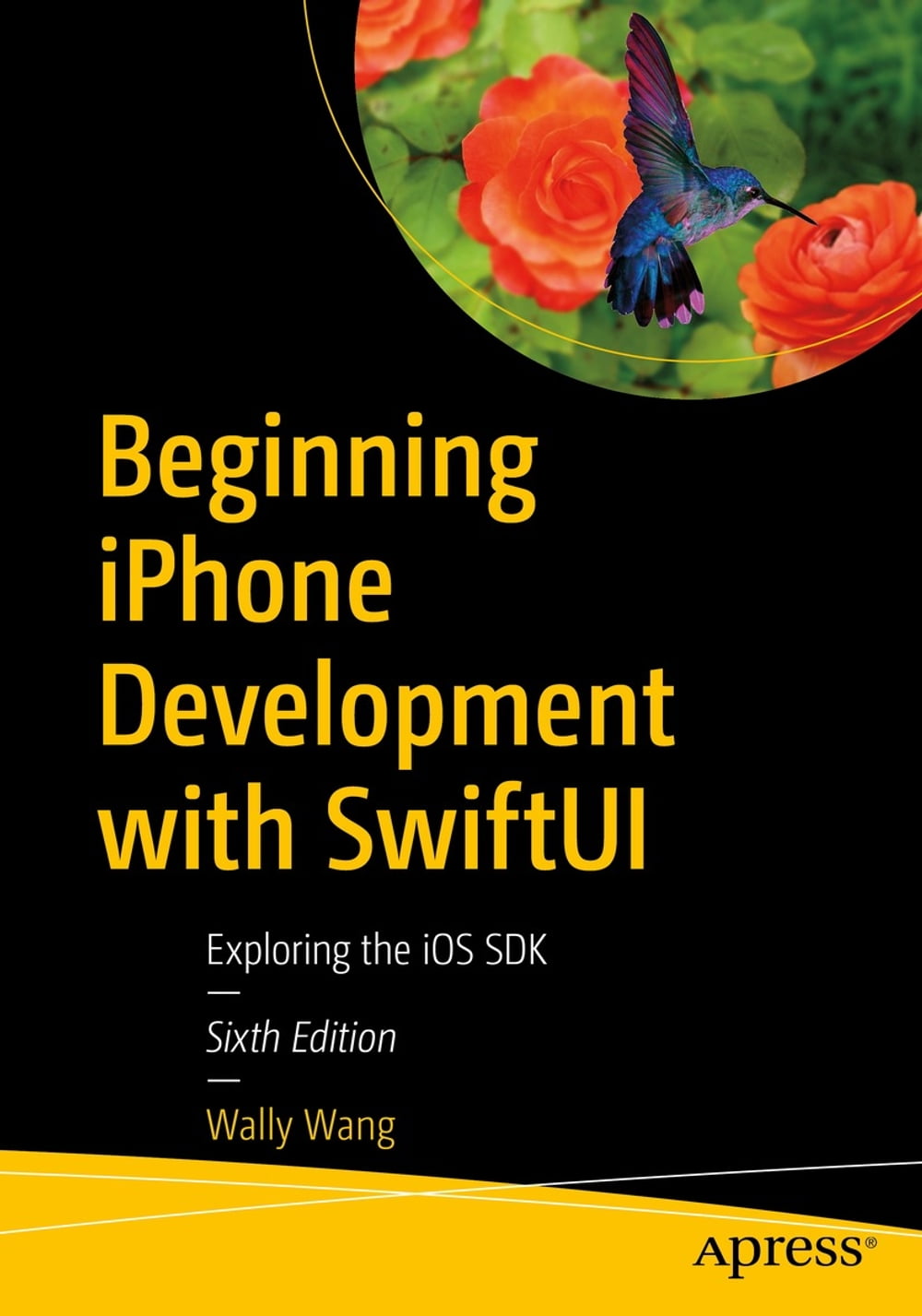



Tame the power of Apple’s new user interface toolkit, SwiftUI. Integrate all the interface elements iOS users have come to know and love, such as buttons, switches, pickers, toolbars, and sliders with less effort and more efficiency. You’ll also learn about touch gestures, lists, and grids for displaying data on a user interface. And you’ll even go beyond those simple controls to liven up any user interface with simple animation techniques. Spice your designs up with movement, scaling, and resizing, including spring and bounce effects! You’ll start with basic designs and then explore more sophisticated ones. Assuming little or no working knowledge of the Swift programming language, and written in a friendly, easy-to-follow style, this book offers a comprehensive course in iPhone and iPad programming. The book starts with a gentle introduction to using Xcode and then guides you though the creation of your first simple application. You’ll create user interfaces for that application using multiple screens in two different ways—using Navigation View and Tab Bars. Beginning iPhone Development with Swift UI covers the basic information you need to get up and running quickly to turn your great ideas into working iOS apps with stunningly interactive interfaces using SwiftUI. Once you’re ready, move on to Pro iPhone Development with Swift UI to learn more of the unique aspects of iOS programming and the Swift language. What You Will Learn Discover the basics of designing a user interface using SwiftUI Build cool, crisp user interfaces that use animation Display data in lists and outlines Organize user interfaces in forms and groups Who This Book is For Aspiring iOS app developers new to the Apple Swift programming language and/or the iOS SDK.
-
Autore:
-
Anno edizione:2022
-
Editore:
-
Formato:
-
Lingua:Inglese
Compatibilità:
Tutti i dispositivi (eccetto Kindle) Scopri di più
Layout:
Reflowable
EAN:
9781484278185

Formato:
Gli eBook venduti da Feltrinelli.it sono in formato ePub e possono essere protetti da Adobe DRM. In caso di download di un file protetto da DRM si otterrà un file in formato .acs, (Adobe Content Server Message), che dovrà essere aperto tramite Adobe Digital Editions e autorizzato tramite un account Adobe, prima di poter essere letto su pc o trasferito su dispositivi compatibili.
Cloud:
Gli eBook venduti da Feltrinelli.it sono sincronizzati automaticamente su tutti i client di lettura Kobo successivamente all’acquisto. Grazie al Cloud Kobo i progressi di lettura, le note, le evidenziazioni vengono salvati e sincronizzati automaticamente su tutti i dispositivi e le APP di lettura Kobo utilizzati per la lettura.
Clicca qui per sapere come scaricare gli ebook utilizzando un pc con sistema operativo Windows
