










EBOOK IN LINGUA STRANIERA





Data Mashup with Microsoft Excel Using Power Query and M

69,98 €
+700
punti 
Venditore: Feltrinelli

Acquista online
Scaricabile subito
Articolo acquistabile con Carta del Docente

Articolo acquistabile con Carta Cultura Giovani e Carta del Merito

Articolo acquistabile con Carta della Cultura

Dati e Statistiche
 Salvato in 0 liste dei desideri
Salvato in 0 liste dei desideri
Data Mashup with Microsoft Excel Using Power Query and M
Scaricabile subito
69,98 €
69,98 €
Scaricabile subito

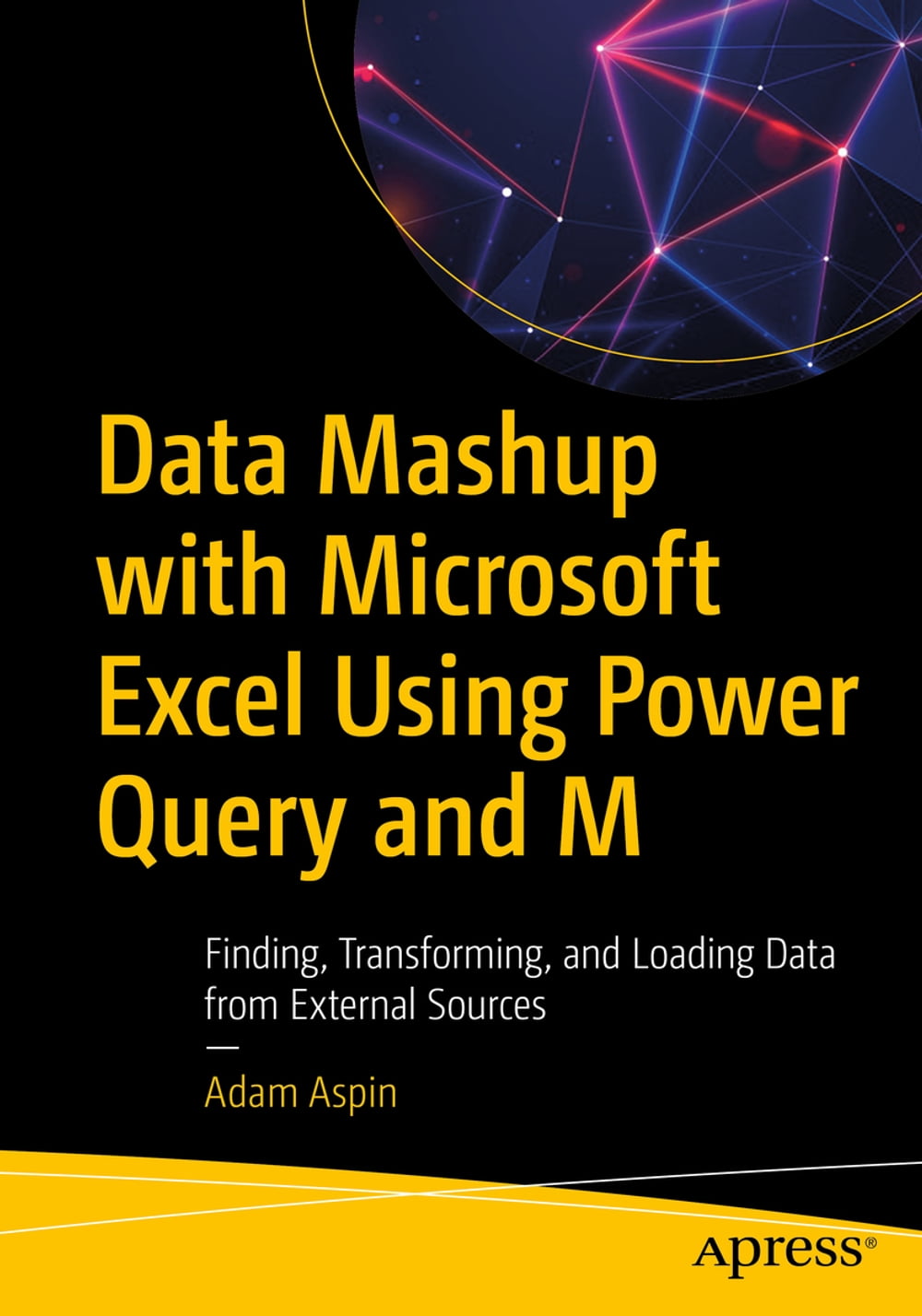


Master the art of loading external data into Excel for use in reporting, charting, dashboarding, and business intelligence. This book provides a complete and thorough explanation of Microsoft Excel’s Get and Transform feature set, showing you how to connect to a range of external databases and other data sources to find data and pull that data into your local spreadsheet for further analysis. Leading databases are covered, including Microsoft Azure data sources and web sources, and you will learn how to access those sources from your Microsoft Excel spreadsheets. Getting data into Excel is a prerequisite for using Excel's analytics capabilities. This book takes you beyond copying and pasting by showing you how to connect to your corporate databases that are hosted in the Azure cloud, and how to pull data from Oracle Database and SQL Server, and other sources. Accessing data is only half the problem, and the other half involves cleansing and rearranging your data to make it useful in spreadsheet form. Author Adam Aspin shows you how to create datasets and transformations. For advanced problems, there is help on the M language that is built into Excel, specifically to support mashing up data in support of business intelligence and analysis. If you are an Excel user, you won't want to be without this book that teaches you to extract and prepare external data ready for use in what is arguably the world’s leading analytics tool. What You Will Learn Connect to a range of external data, from databases to Azure sources Ingest data directly into your spreadsheets, or into PowerPivot data models Cleanse and prepare external data so it can be used inside Excel Refresh data quickly and easily to always have the latest information Transform data into ready-to-use structures that fit the spreadsheet format Execute M language functions for complex data transformations Who This Book Is For Excel users who want to access data from external sources—including the Microsoft Azure platform—in order to create business intelligence reporting, dashboards, and visualizations. For Excel users needing to cleanse and rearrange such data to meet their own, specific needs.
-
Autore:
-
Anno edizione:2020
-
Editore:
-
Formato:
-
Lingua:Inglese
Compatibilità:
Tutti i dispositivi (eccetto Kindle) Scopri di più
Layout:
Reflowable
EAN:
9781484260180

Formato:
Gli eBook venduti da Feltrinelli.it sono in formato ePub e possono essere protetti da Adobe DRM. In caso di download di un file protetto da DRM si otterrà un file in formato .acs, (Adobe Content Server Message), che dovrà essere aperto tramite Adobe Digital Editions e autorizzato tramite un account Adobe, prima di poter essere letto su pc o trasferito su dispositivi compatibili.
Cloud:
Gli eBook venduti da Feltrinelli.it sono sincronizzati automaticamente su tutti i client di lettura Kobo successivamente all’acquisto. Grazie al Cloud Kobo i progressi di lettura, le note, le evidenziazioni vengono salvati e sincronizzati automaticamente su tutti i dispositivi e le APP di lettura Kobo utilizzati per la lettura.
Clicca qui per sapere come scaricare gli ebook utilizzando un pc con sistema operativo Windows
