









EBOOK IN LINGUA STRANIERA





Expert SQL Server in-Memory OLTP

34,62 €
+350
punti 
Venditore: Feltrinelli

Acquista online
Scaricabile subito
Articolo acquistabile con Carta del Docente

Articolo acquistabile con Carta Cultura Giovani e Carta del Merito

Articolo acquistabile con Carta della Cultura

Dati e Statistiche
 Salvato in 0 liste dei desideri
Salvato in 0 liste dei desideri
Expert SQL Server in-Memory OLTP
Scaricabile subito
34,62 €
34,62 €
Scaricabile subito
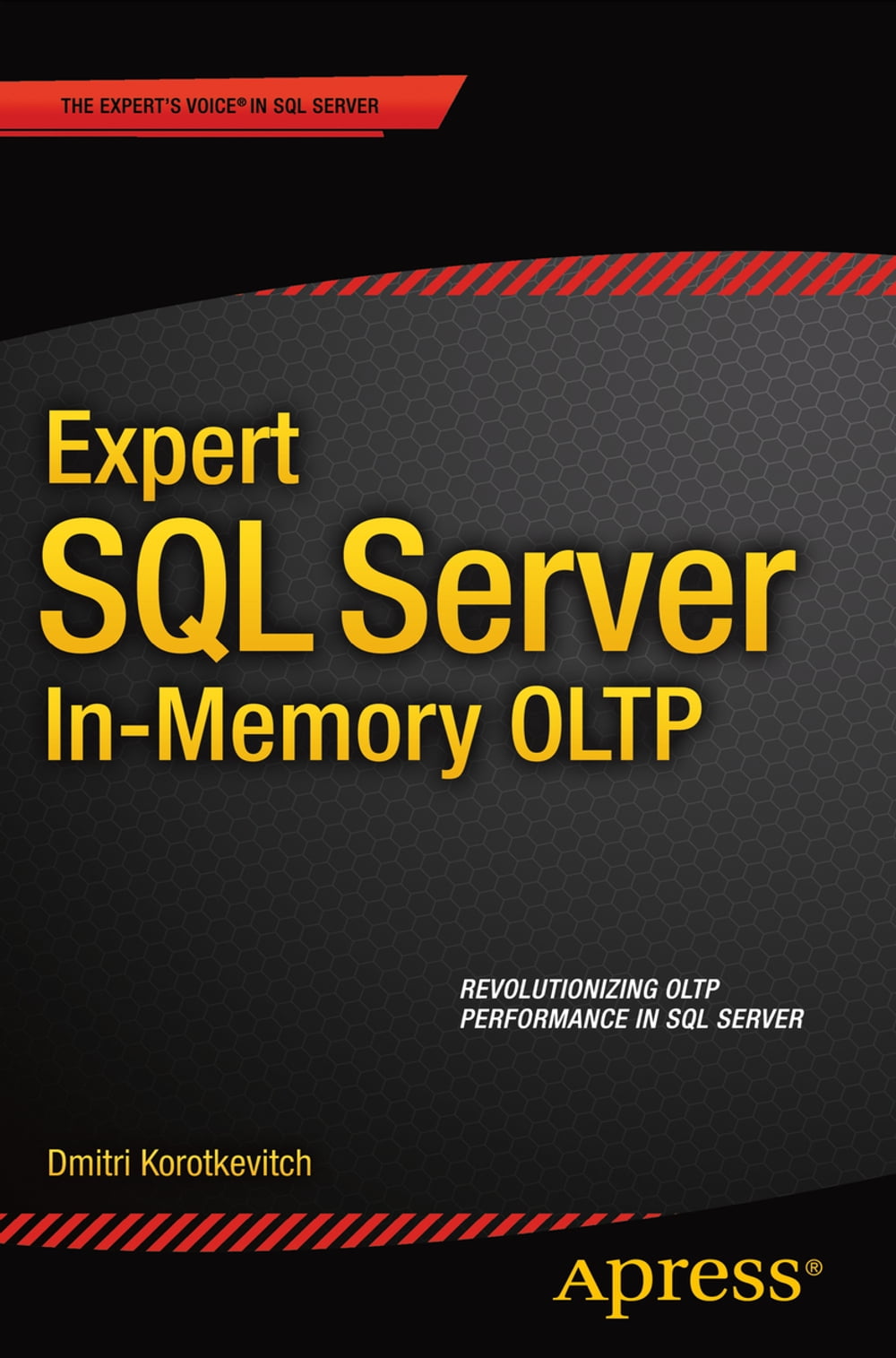


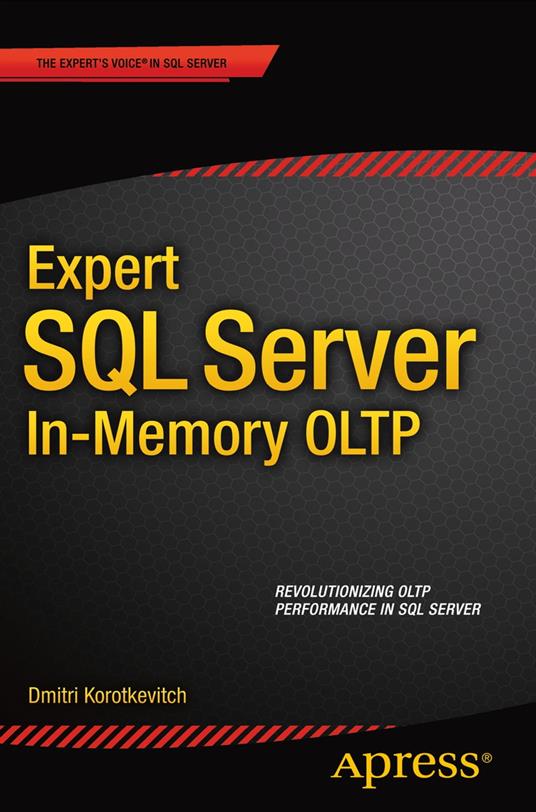
Expert SQL Server In-Memory OLTP is a deep dive into one of the most significant features of SQL Server 2014 – support for In-Memory Online Transaction Processing. The book describes the architecture and internals of the In-Memory OLTP Engine and explains how to develop, deploy, and maintain systems using it. With it you can dramatically increase transactional throughput to handle thousands of transactions per second supporting millions of customers. Dmitri Korotkevitch is the five-star author of Pro SQL Server Internals, and now brings his same combination of clear thinking and deep expertise to the question of how to recognize the opportunities and benefit from Microsoft’s In-Memory OLTP feature set in SQL Server 2014. Learn the architecture and the internals in order to recognize when In-Memory OLTP can make a difference. Learn useful scenarios for thoughtfully incorporating in-memory support into existing applications. Recognize opportunities for In-Memory OLTP in new development. Don’t be without Dmitri Korotkevitch and the deep expertise he imparts in Expert SQL Server In-Memory OLTP as you move forward in using SQL Server’s new and important In-Memory OLTP feature set. Covers In-Memory OLTP internals and architecture, including data storage, indexing, multi-version concurrency control, transaction logging, and recovery Illustrates In-Memory OLTP programmability and the process of native compilation Guides in using In-Memory OLTP in new development and existing systems.
-
Autore:
-
Anno edizione:2015
-
Editore:
-
Formato:
-
Lingua:Inglese
Compatibilità:
Tutti i dispositivi (eccetto Kindle) Scopri di più
Layout:
Reflowable
EAN:
9781484211366

Formato:
Gli eBook venduti da Feltrinelli.it sono in formato ePub e possono essere protetti da Adobe DRM. In caso di download di un file protetto da DRM si otterrà un file in formato .acs, (Adobe Content Server Message), che dovrà essere aperto tramite Adobe Digital Editions e autorizzato tramite un account Adobe, prima di poter essere letto su pc o trasferito su dispositivi compatibili.
Cloud:
Gli eBook venduti da Feltrinelli.it sono sincronizzati automaticamente su tutti i client di lettura Kobo successivamente all’acquisto. Grazie al Cloud Kobo i progressi di lettura, le note, le evidenziazioni vengono salvati e sincronizzati automaticamente su tutti i dispositivi e le APP di lettura Kobo utilizzati per la lettura.
Clicca qui per sapere come scaricare gli ebook utilizzando un pc con sistema operativo Windows
