










EBOOK IN LINGUA STRANIERA





Game Development with GameMaker Studio 2

49,91 €
+500
punti 
Venditore: Feltrinelli

Acquista online
Scaricabile subito
Articolo acquistabile con Carta del Docente

Articolo acquistabile con Carta Cultura Giovani e Carta del Merito

Articolo acquistabile con Carta della Cultura

Dati e Statistiche
 Salvato in 0 liste dei desideri
Salvato in 0 liste dei desideri
Game Development with GameMaker Studio 2
Scaricabile subito
49,91 €
49,91 €
Scaricabile subito

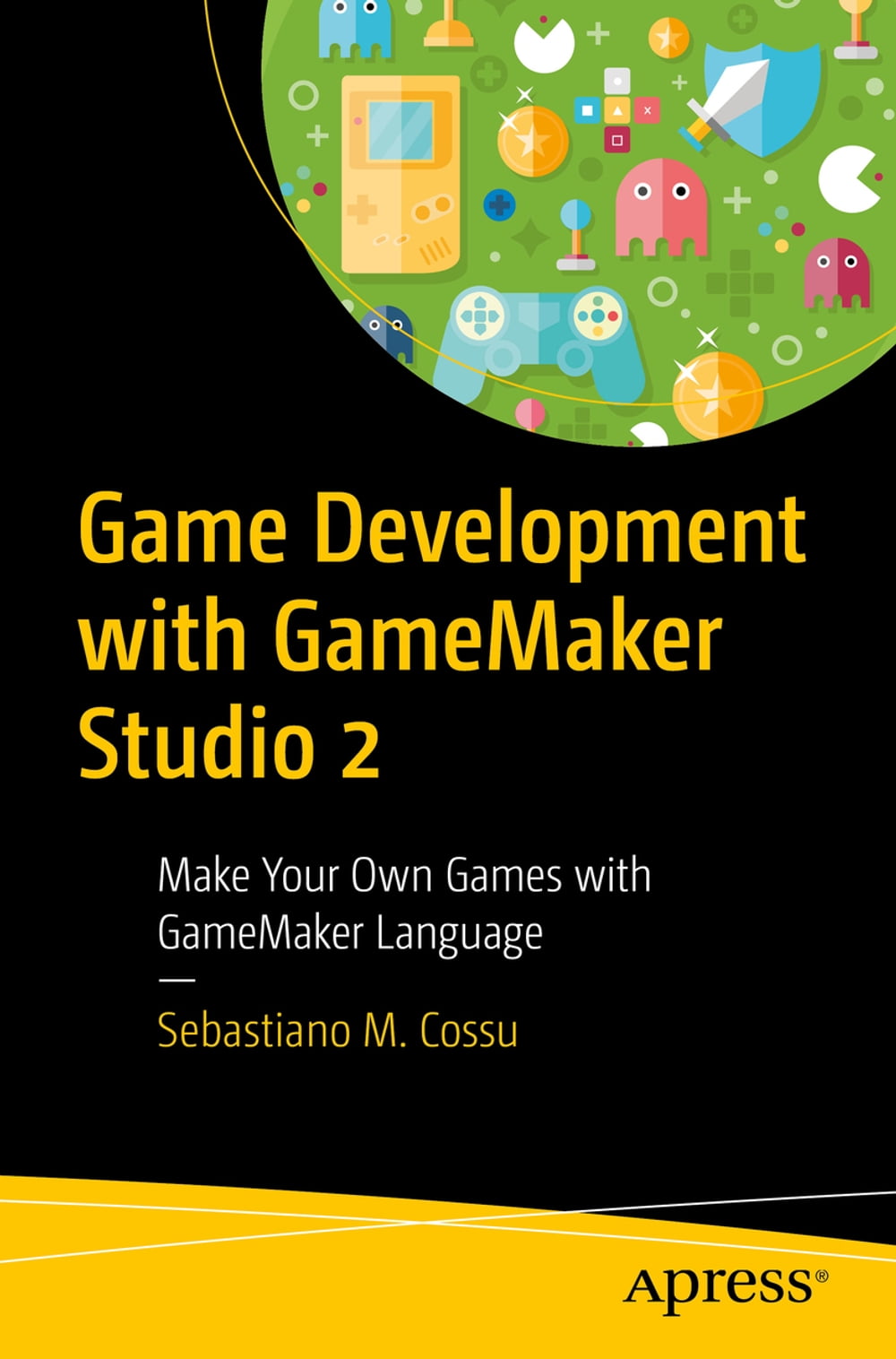


Create games from start to finish while learning game design and programming principles using the GameMaker Studio 2 game engine and GameMaker Language (GML). Game Development with GameMaker Studio 2 covers all aspects of game design and development from the initial idea to the final release, using an award-winning game engine. You learn how to create real-world video games based on classic and legendary video game genres. Each game project introduces and explains concepts of game development and design and coding principles, allowing you to build a wide set of skills while creating an exciting portfolio to kick-start a career in game development. Author Sebastiano Cossu teaches you to design levels in your games, draw sprites to populate your virtual worlds, program game objects for interaction with the player, incorporate custom music and sound effects, build GUIs for your menus and game interfaces, and support keyboard, mouse, and gamepad controls inyour projects. He shows you how to build cross-platform games to run on all desktop platforms (Windows, Linux, Mac OS) and publish them on the most popular game stores such as Steam, GOG, Humble Store, and Itch.io. What You’ll Learn Create games for different genres Master GameMaker Language (GML) programming Apply game design principles Delve into game programming patterns Who This Book is For Video game enthusiasts interested in game development and design. No prior programming experience is required.
-
Autore:
-
Anno edizione:2019
-
Editore:
-
Formato:
-
Lingua:Inglese
Compatibilità:
Tutti i dispositivi (eccetto Kindle) Scopri di più
Layout:
Reflowable
EAN:
9781484250105

Formato:
Gli eBook venduti da Feltrinelli.it sono in formato ePub e possono essere protetti da Adobe DRM. In caso di download di un file protetto da DRM si otterrà un file in formato .acs, (Adobe Content Server Message), che dovrà essere aperto tramite Adobe Digital Editions e autorizzato tramite un account Adobe, prima di poter essere letto su pc o trasferito su dispositivi compatibili.
Cloud:
Gli eBook venduti da Feltrinelli.it sono sincronizzati automaticamente su tutti i client di lettura Kobo successivamente all’acquisto. Grazie al Cloud Kobo i progressi di lettura, le note, le evidenziazioni vengono salvati e sincronizzati automaticamente su tutti i dispositivi e le APP di lettura Kobo utilizzati per la lettura.
Clicca qui per sapere come scaricare gli ebook utilizzando un pc con sistema operativo Windows
